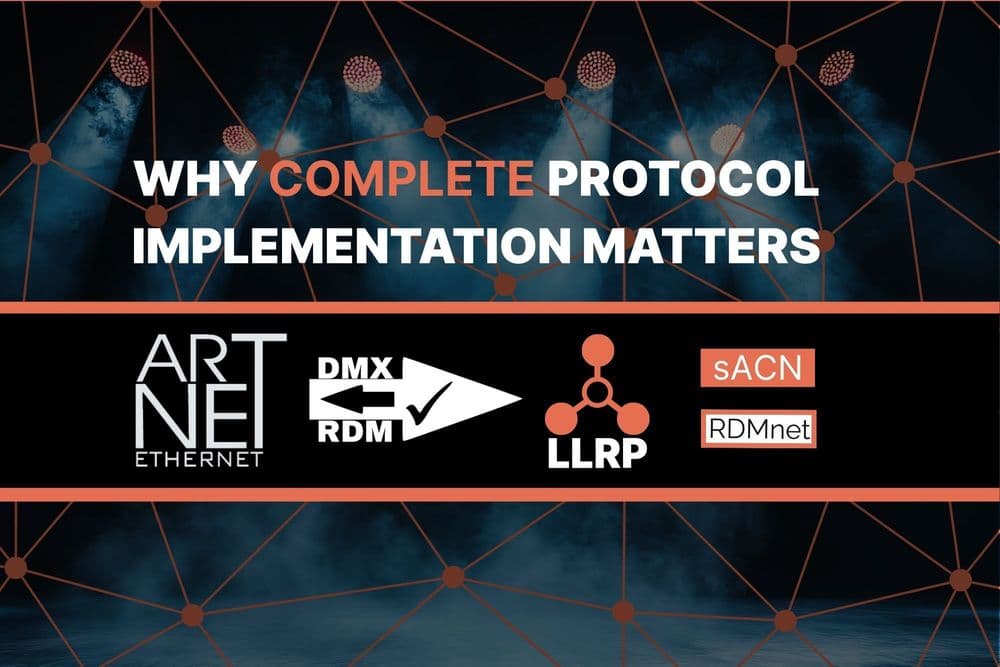

As a lighting professional, you're used to the worlds of Art-Net and sACN for sending DMX data over networks. You've probably spent your fair share of time manually punching in IP addresses or hoping DHCP sorts everything out perfectly. But as lighting systems get more complex, there's a need for smarter, simpler ways to get devices online and talking.
This is where the Low Level Recovery Protocol (LLRP) comes into play. Think of it as a startup and first-aid kit for your network devices, specifically designed to get them onto the network and properly configured, especially if they're fresh out of the box or have lost their settings. While it's a key part of the RDMnet (ANSI E1.33) standard, its usefulness for basic IP configuration is so compelling that you'll find it in devices that don't even implement the full RDMnet stack! This means it can be a handy tool even in predominantly Art-Net or sACN environments if your devices support LLRP.
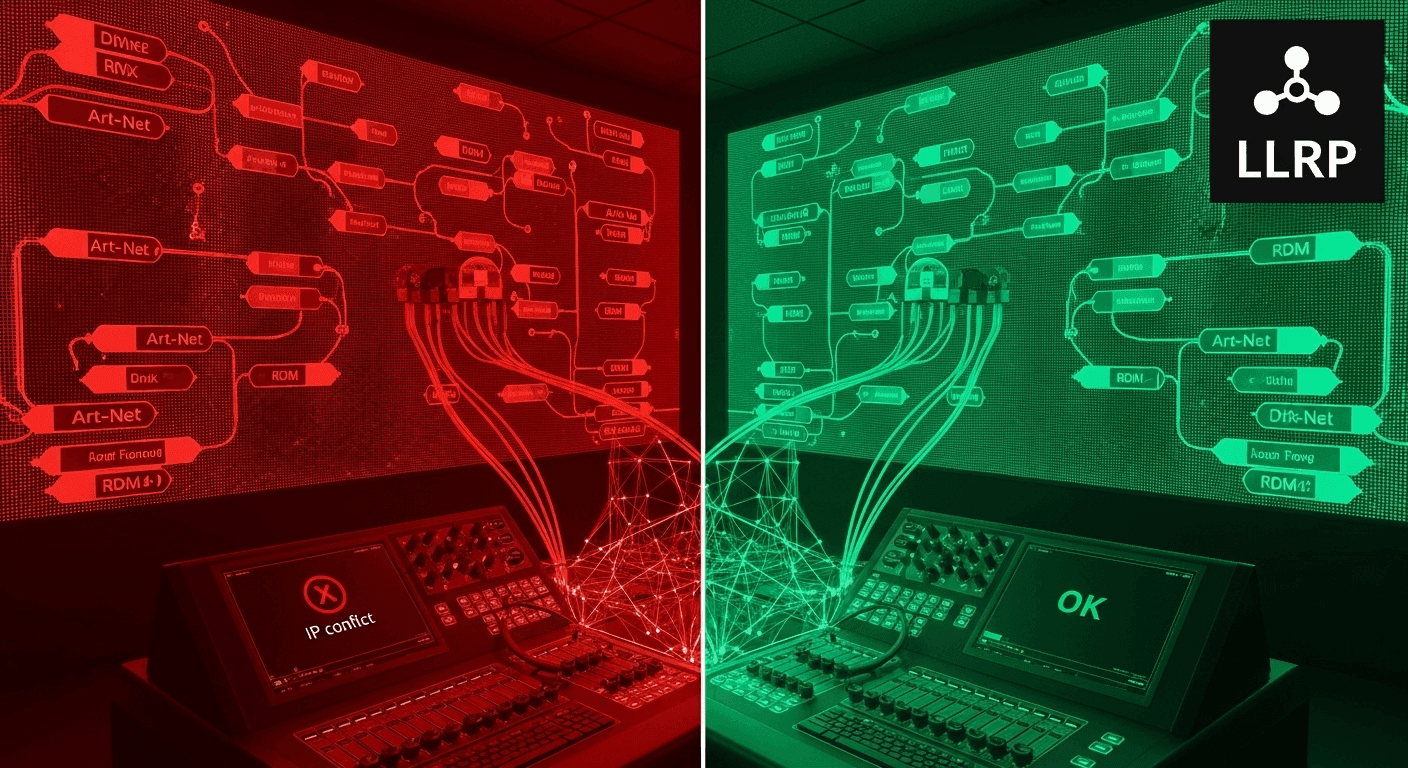
Network Nightmares? LLRP to the Rescue!
Imagine this: you've got a new LLRP-enabled fixture, or perhaps a network switch like the OBSIDIAN Netron NS8 network switch, or any other LLRP-capable device that's somehow ended up with a wonky IP address. Before it can properly communicate on the network, whether for RDMnet or just standard Art-Net/sACN traffic, it needs basic IP connectivity. This means a valid IP address is the bare minimum. If it needs to talk across different parts of your network (subnets), it'll need router information too. For devices intended for an RDMnet system, client devices need to find their "Broker" (a key component in RDMnet that manages communication), and the Broker needs to be discoverable.
This is where LLRP steps in. It's a lightweight configuration protocol specifically designed to set up these essential properties on misconfigured or newly-connected equipment. Its job isn't to handle the full range of RDM commands you might use for detailed fixture control, but to focus purely on getting the network settings right so the device can then participate effectively on the network.
Key Things LLRP Can Help You Configure:
LLRP helps sort out two main groups of configuration information:
- Per-host properties: This is your basic network setup for the device itself, like:
- IP address
- Subnet mask
- Gateway address
- DNS Server information
- Per-Component properties: For RDMnet, a key setting here is the "Scope," which is a bit like defining which "zone" or "system" the device belongs to.
How Does It Work? Meet the LLRP Manager and Target
LLRP involves two main roles:
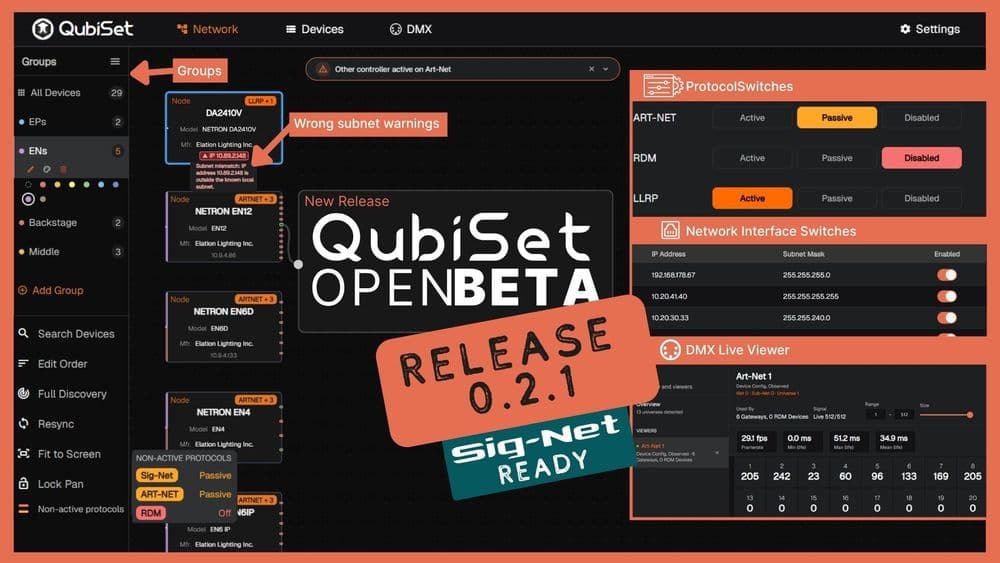
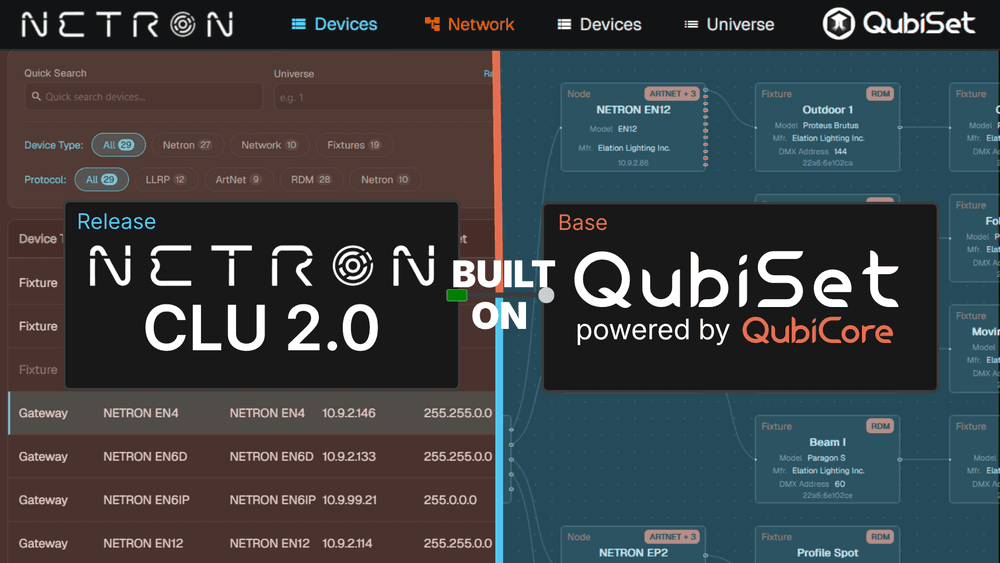
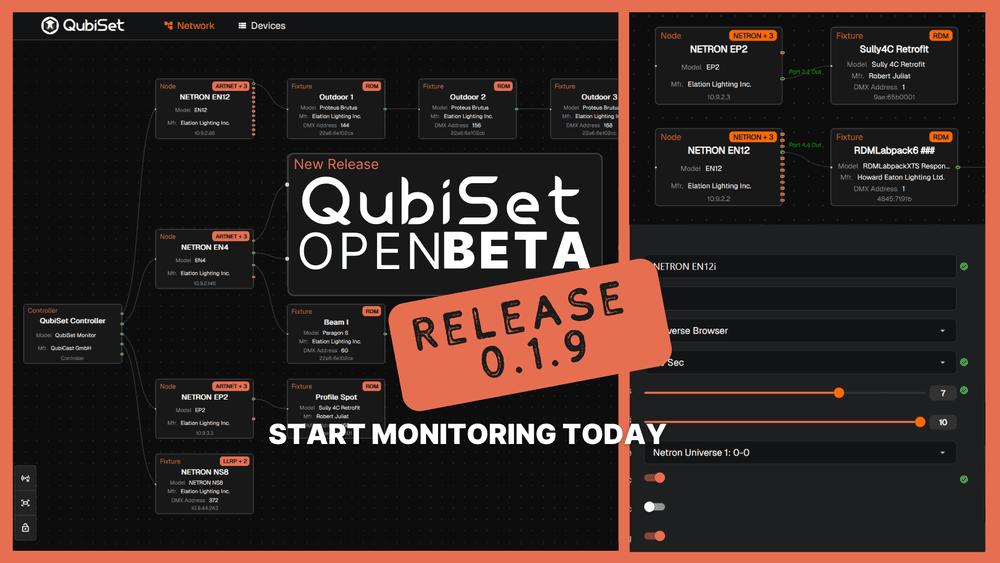
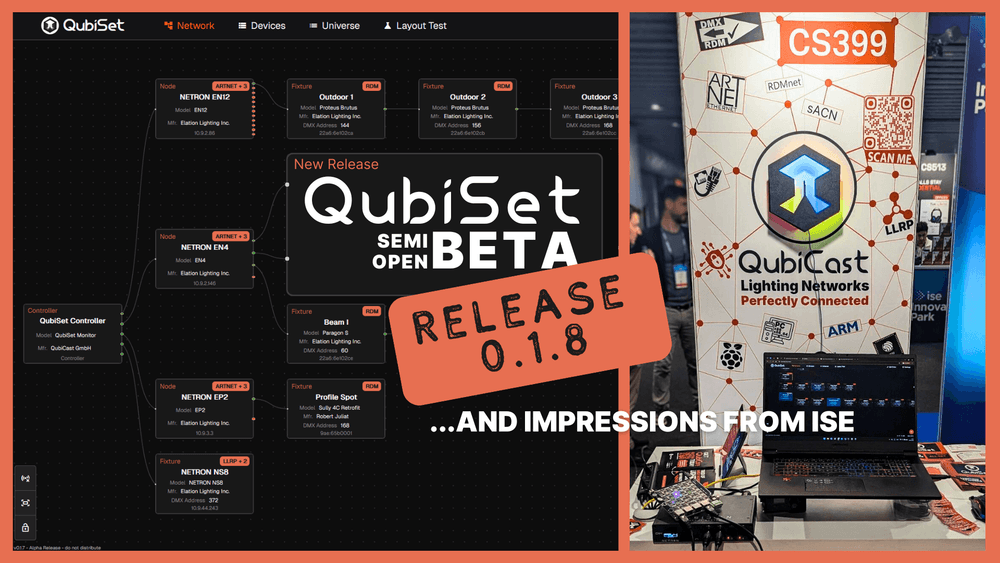
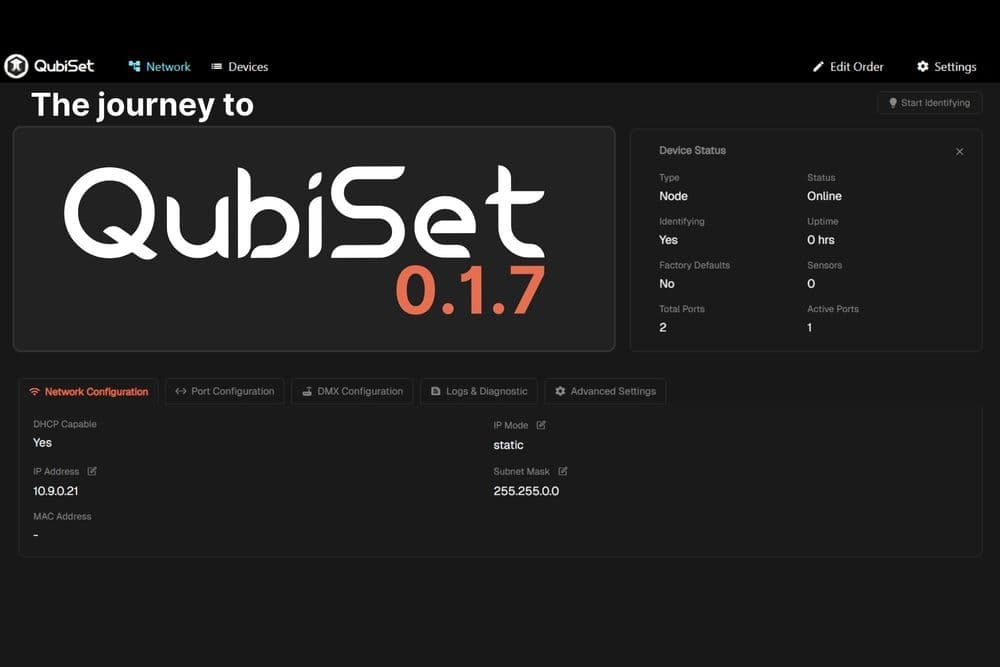
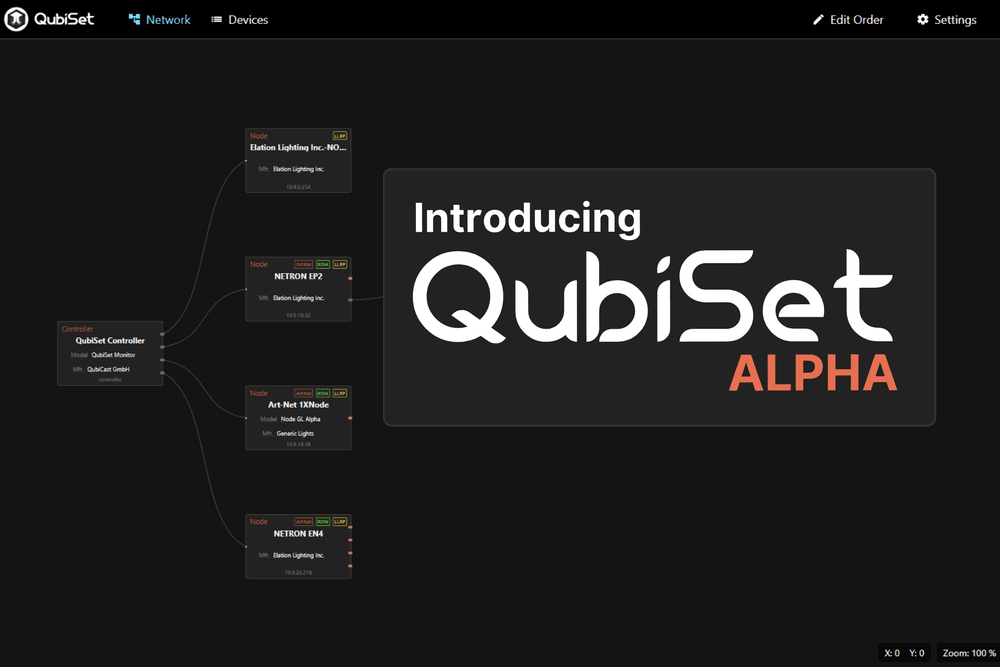
- LLRP Manager: This is typically a piece of software that issues LLRP discovery probes and configuration change commands. An excellent example of this is QubiSet, our comprehensive monitoring and setup solution for lighting networks. QubiSet automatically acts as an LLRP Manager to find and configure your LLRP-enabled devices.
- LLRP Target: This is any device that needs configuring – like an LLRP-enabled fixture, a network switch such as the OBSIDIAN Netron network switch, or other lighting control equipment. These Targets listen for messages from an LLRP Manager and apply the configuration changes.
The process generally unfolds in two stages. During LLRP Discovery, the Manager sends out "Probe Requests" to find available LLRP Targets on the network. Targets will respond with a "Probe Reply". This helps the Manager build a list of devices it can configure. The second stage is LLRP Configuration: Once a Manager has identified the Targets, it can send specific RDM commands (a limited set is allowed) to get or set their network parameters. For example, it could send a command to set a fixture’s IP address or change its RDMnet Scope.
Under the Hood: Multicast and UDP
For those familiar with sACN, you'll recognize some of the underlying tech. LLRP messages are transported using UDP, just like sACN and Art-Net. It uses specific multicast addresses for discovery and responses in both IPv4 and IPv6 networks. This means an LLRP Manager can efficiently find and communicate with multiple devices without needing to know each one's IP address beforehand.
Making Your Life Easier
So, what does this mean for you as a lighting technician?
- Simplified Setup for New Devices: Plug in a new LLRP-enabled fixture or device, and an LLRP Manager tool (like QubiSet) can discover it and assign the correct IP settings (and RDMnet Scope, if applicable) without you needing to manually configure it on the device itself.
- Recovering Misconfigured Devices: If a device somehow gets the wrong IP address or network settings, LLRP provides a way to find it on the local network segment and correct those settings remotely. This is a lifesaver for devices that might not have an easy-to-access physical interface for reconfiguration.
- Streamlined Commissioning: LLRP helps get devices onto the network and ready for action more quickly and efficiently, whether they are part of a full RDMnet system or just need basic IP setup for Art-Net/sACN.
- Reduced Manual Configuration: Less time spent with ladders and direct connections to fixtures just to set an IP address. You can potentially configure multiple devices from a central tool.
- Useful Even Beyond RDMnet: Because LLRP is so effective for basic IP configuration, manufacturers are implementing it even in devices that don't support the full RDMnet protocol suite. This means you can leverage LLRP's power for easier setup of a growing range of Art-Net and sACN devices.
While LLRP isn't designed to replace protocols like DHCP (which can still assign IP addresses automatically), it provides a robust, RDM-based method for discovery and configuration, especially when DHCP isn't available, isn't behaving, or when specific static settings (like an IP address or RDMnet Scope) need to be applied.
It's a foundational tool that significantly simplifies network device management. Keep an eye out for LLRP support in configuration tools and devices – it's there to make your setup process smoother!
Discover the Power of QubiSet
Speaking of making your setup process smoother, if you're looking for a comprehensive solution to monitor and manage your lighting networks, look no further than QubiSet. QubiSet is designed to be your go-to tool for a variety of lighting network protocols, including acting as an LLRP Manager to easily discover and configure your LLRP-enabled devices. It simplifies the often complex task of network setup, helps you troubleshoot issues, and gives you a clear overview of what’s happening on your network. Whether you're dealing with Art-Net, sACN, RDMnet, or need to leverage LLRP for easy IP configuration, QubiSet provides the tools you need.
To learn more about how QubiSet can streamline your workflow and take the headache out of lighting network management, visit our QubiSet page now!
Tech Tip: LLRP in Wireshark
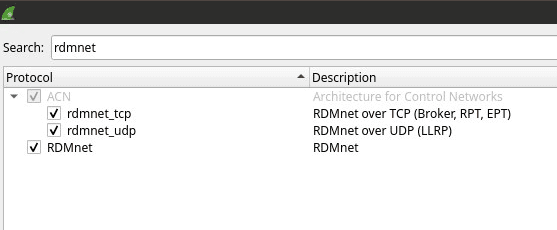
To enable the Low-Level Recovery Protocol (LLRP) in Wireshark, go to Analyze -> Enabled Protocols..., search for "rdmnet" and tick all the boxes.