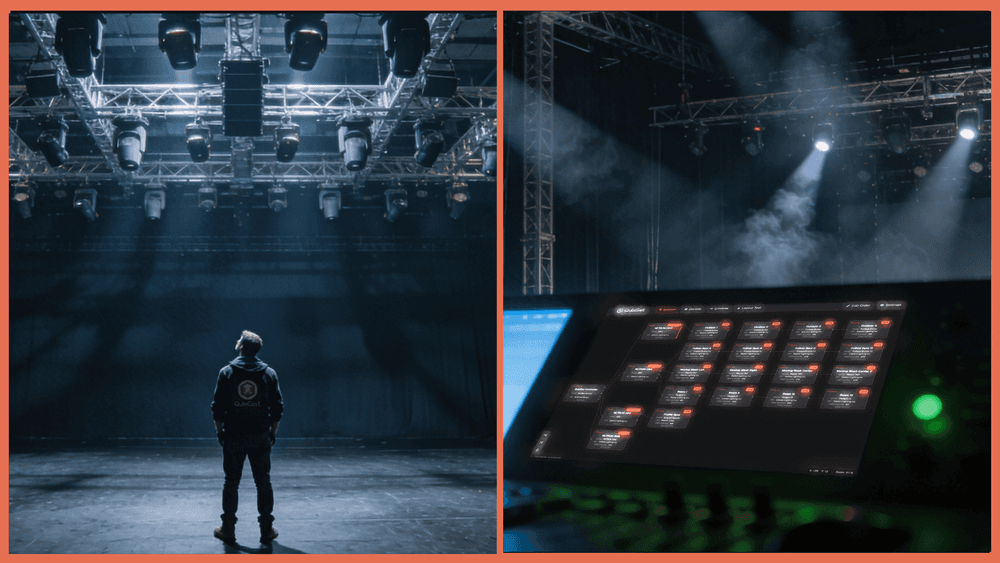

Managing a growing lighting network usually means juggling half a dozen different tools just to see what is happening.
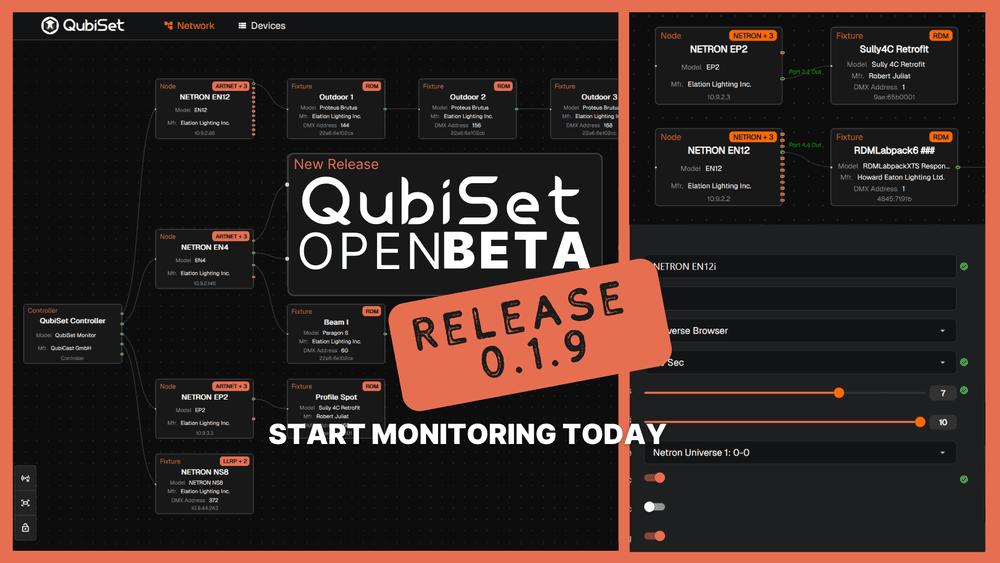
QubiSet v0.2.1 is the largest update since the open beta launched, bringing significantly more of that workflow into a single interface.
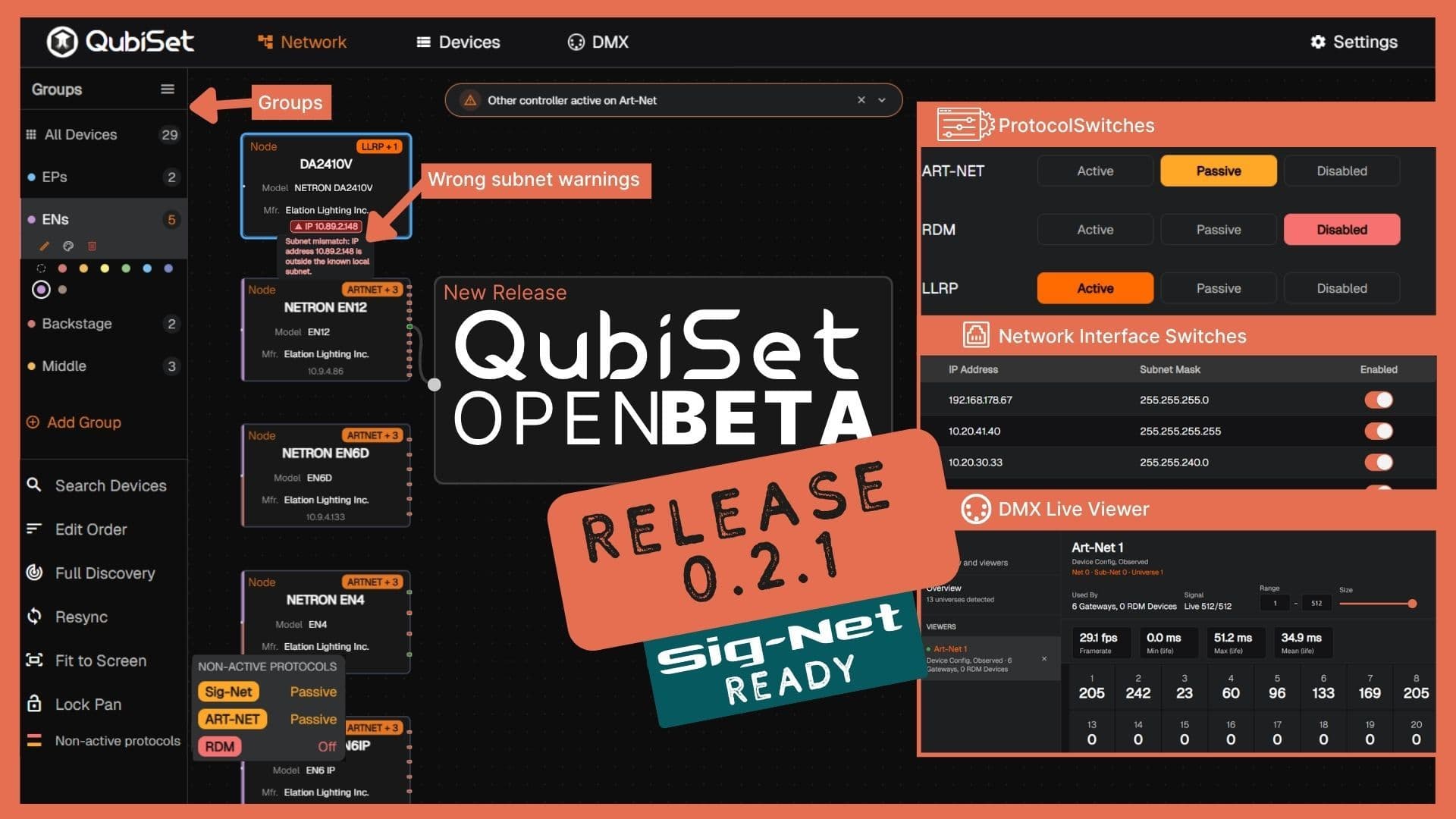
We have added bulk device editing, RDM sensor readback, a live DMX universe viewer, and proactive subnet diagnostics.
We are also introducing something we have been building toward for months: a nightly automated test suite running against simulated multi-protocol networks, making this the most stable release yet.
Here is what is new in version 0.2.1.
Configuration at Scale
Managing larger networks requires tools built for volume. We have added three new features to make handling dozens of fixtures practical.
Bulk Edit. You can now select multiple devices by dragging with the right mouse button pressed in the network view and change IP addresses, DMX start addresses, or modes across all of them in one operation. This eliminates the need to click through forty fixtures individually when readdressing a truss.
Device Groups. Organize fixtures into logical groups with a dedicated sidebar. You can filter your network view by group and manage groups directly from search results. This is highly useful for separating front of house from backstage fixtures, or grouping by physical truss position.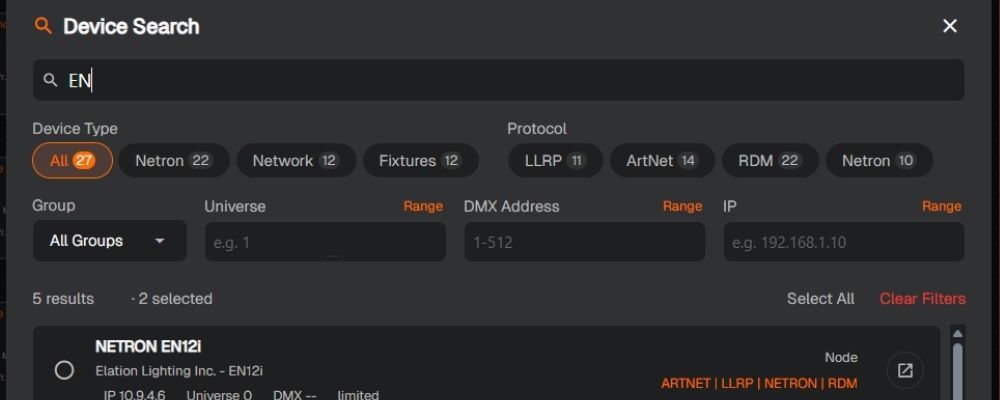
Search and Filter. Find devices directly from the network topology view. On a network with dozens of nodes, this saves real time during load in and patching.
RDM Sensor Support
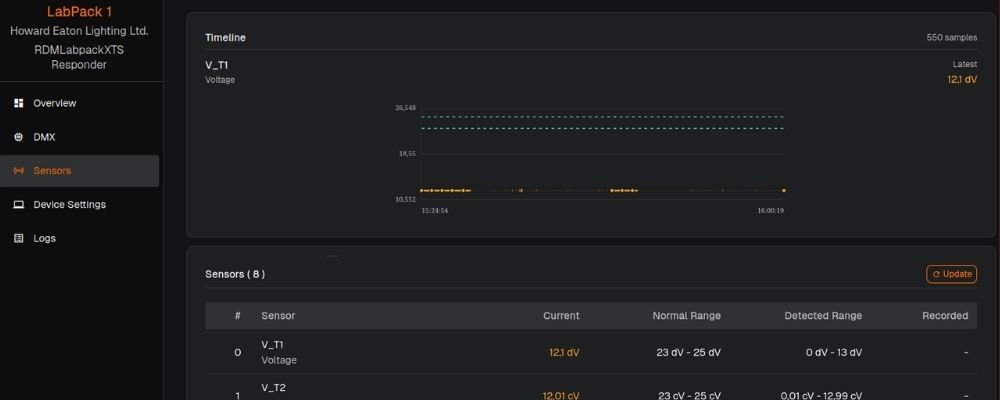
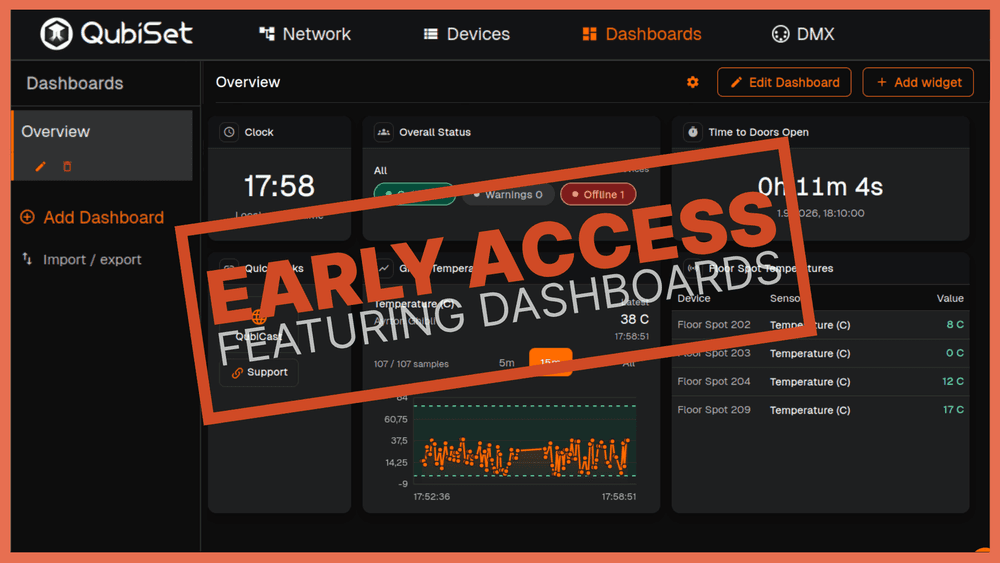
Sensor Readback. QubiSet can now read sensor data from RDM capable fixtures. This includes temperature, voltage, runtime hours, and any other sensor type the fixture exposes. Monitoring these values turns reactive troubleshooting into proactive maintenance. A fixture running consistently hotter than its neighbors is telling you about a blocked vent or a failing fan before it becomes a show stopping problem. Read more about this approach in our article on From Reactive to Proactive: How Modern Venues Monitor Lighting Networks Before Problems Happen.
DMX Universe Live Viewer
Real Time Visualization. We have added a live visualization of an entire DMX universe directly in the application. Select a universe and see all 512 channels updating live. This is useful for verifying that data is actually reaching the network, checking which channels are active, and diagnosing patching issues without switching to a separate tool like sACN View or Art-Net packet captures.
Advanced Network Diagnostics
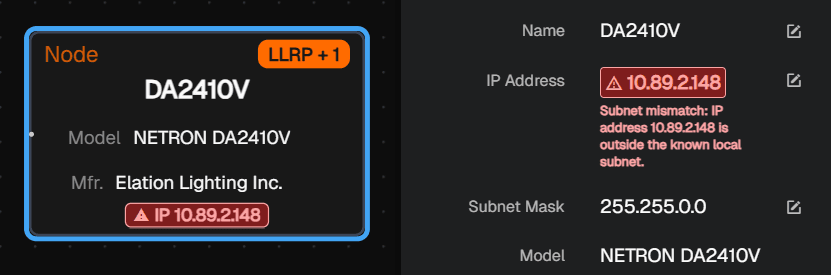
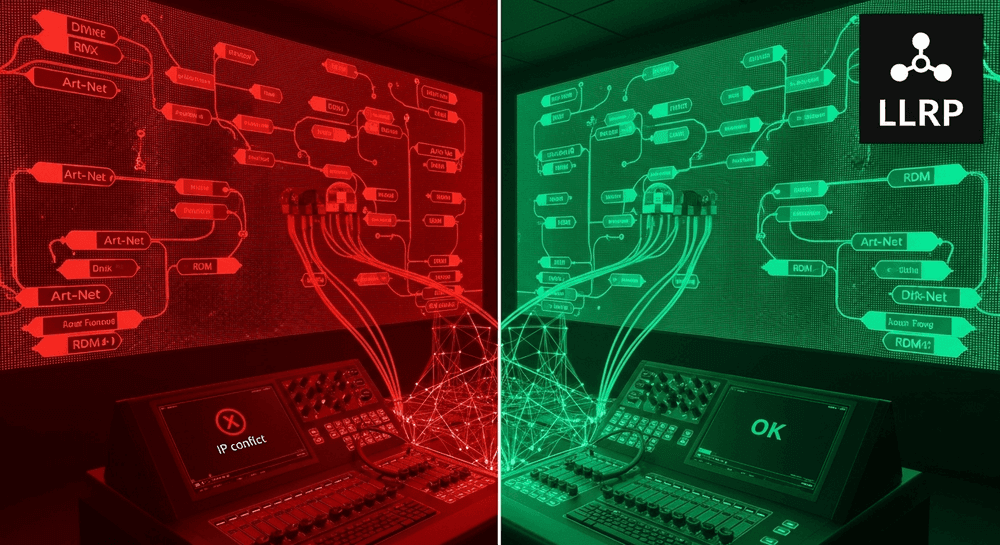
Subnet Misconfiguration Flagging. QubiSet now flags devices with incorrect IP configurations instantly. Using LLRP, the software compares the device's IP address and subnet mask against the active network interface it is connected to. You see immediately when a device is misconfigured and on the wrong subnet, eliminating the need to guess why it is not receiving data.
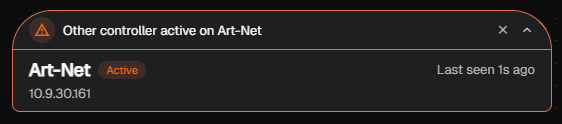
External Controller Detection. QubiSet now detects when another DMX controller is already active on the network and surfaces this in the user interface. This is particularly useful during load in when multiple consoles, media servers, or test tools might be sending data simultaneously without anyone realizing it.
Protocol and Interface Control
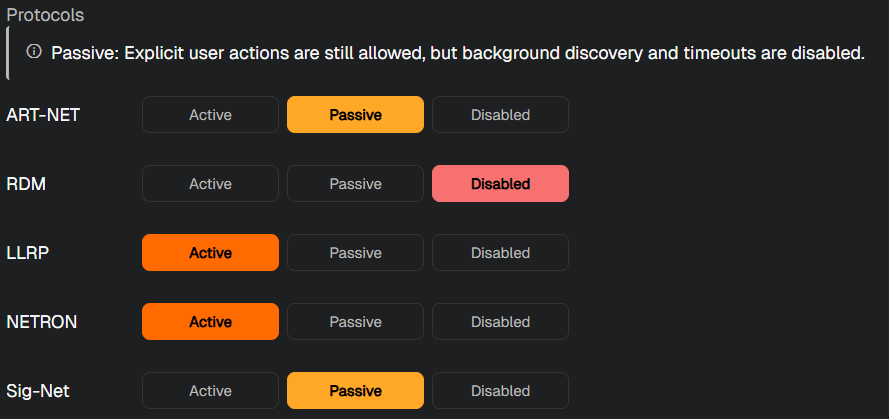
Protocol Switches. Toggle discovery per protocol between active, passive, and off. If you are troubleshooting an Art-Net issue and do not want LLRP discovery traffic adding noise, you can simply turn it off.
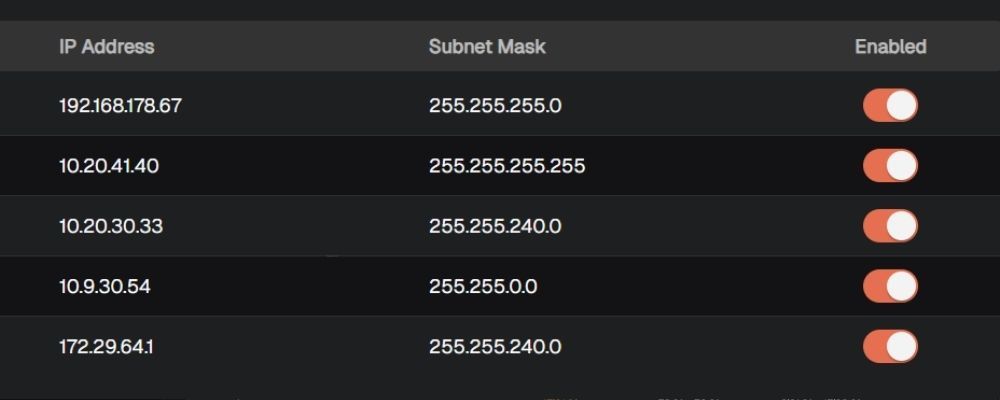
Switchable Network Interfaces. Switch between connected network interfaces from the settings menu. This includes hot plug support for interfaces that appear or disappear at runtime, which is incredibly useful for technicians moving between different networks during a show day.
Deeper NETRON Integration
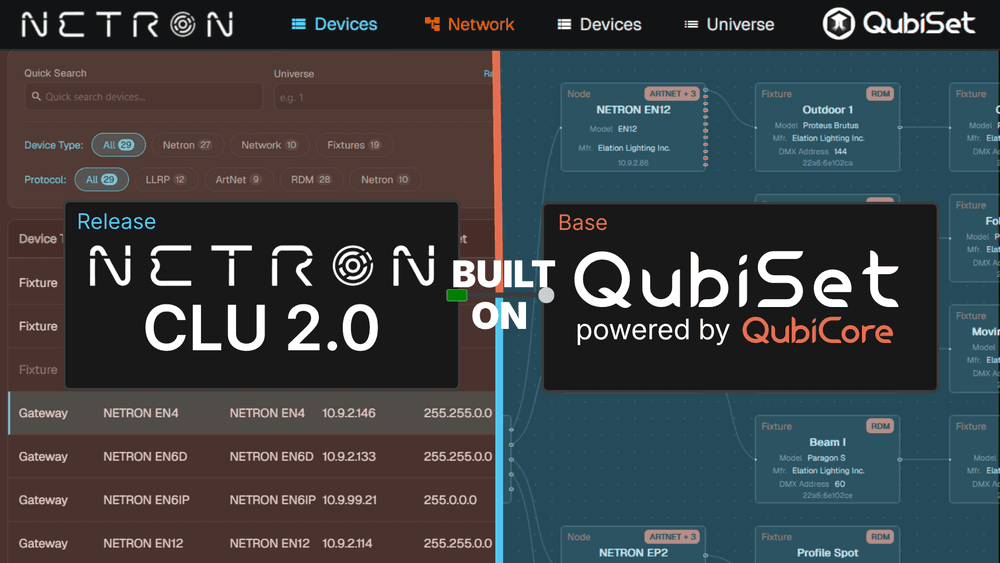
Partner Hardware Support. QubiSet now provides full configuration support for Obsidian NETRON devices. You can manage network settings, system settings, presets, inputs and outputs with per port save, display brightness, and the identify function directly in the application. The DA2410V and RDM10 are now fully supported.
Sig-Net Protocol Integration
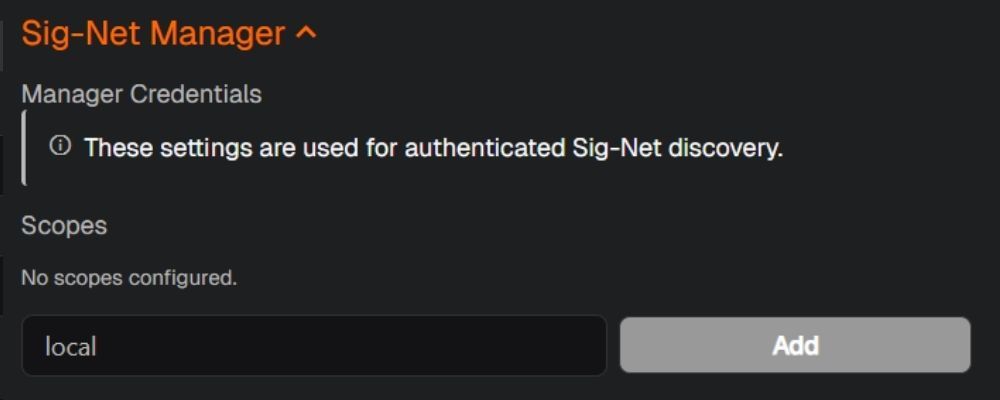
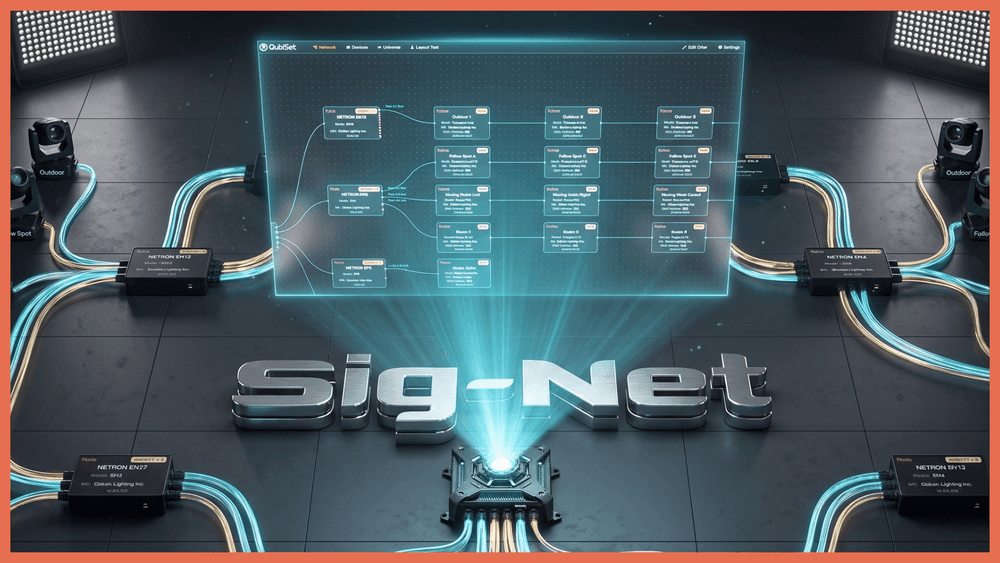
Future Proof Discovery. QubiSet now discovers and monitors Sig-Net nodes alongside Art-Net, sACN, RDM, and LLRP devices. As Sig-Net adoption grows in response to the EU Cyber Resilience Act (full compliance required by December 2027), QubiSet is ready to provide visibility into these networks from day one. We have written extensively about why Sig-Net's multicast-first architecture makes monitoring fundamentally easier. This release is the first step in making that practical rather than theoretical.
Performance and Reliability
Faster Live Updates. We changed how QubiSet handles network data. The application now loads a lightning-fast summary to build your live view instantly, fetching the heavy configuration details only when you click on a specific device. The user interface is noticeably faster on large networks.
Testing Infrastructure. QubiSet now runs a full automated test suite nightly against a Docker-based harness of simulated Art-Net, RDM, NETRON, LLRP, and Sig-Net devices. Every protocol and every device interaction is tested automatically before anything ships. As a result, version 0.2.1 is significantly more stable than any previous beta release.
Join the QubiSet Discord
We are launching a Discord server for the QubiSet community. It is a direct line to the development team for bug reports, feature requests, and feedback on where the product should go next. The beta has always been about building QubiSet alongside the people who will use it, and Discord makes that conversation faster and more accessible. Join here:

We Need Real World Testing Environments
QubiSet is built for production networks, but building it with only a few test networks on hand only gets you so far.
We are looking for more venues and production companies willing to run QubiSet on their real networks and give us feedback on how it performs in environments larger and more complex (or using particularly weird devices) than anything we have tested yet.
If your venue or production setup could serve as a testing environment, reach out.
We want to make sure QubiSet is ready for the networks that matter, and that means working alongside the people who operate them.
QubiSet is free during the open beta.
Technical Details
For the really engaged ones, here are some more technical changes that happened in this version:
Art-Net and RDM Fixes. We implemented reliability fixes for ArtAddress and ArtIpProg handling, support for devices with five or more ports, and improved compatibility with third-party hardware. For RDM, devices that move between nodes are now correctly reparented to keep the device tree consistent. Slow responders using ACK_TIMER are handled properly, eliminating spurious timeouts.
UI Polish. The user interface features consistent save confirmations, inline field-level feedback, read-only states for unavailable protocols, loading indicators, a model column in the device list, device ID display on network map nodes, and cleaned-up port names.