
Lighting networks and IT networks don't coexist well. They can share the same physical cable, the same switches, even the same rack. But the moment lighting traffic meets corporate infrastructure, both sides start having problems that are difficult to diagnose and easy to blame on each other.
A school venue learned this when their ETC Ion's built-in DHCP server started handing out IP addresses to the building's IT network. The console needed DHCP to assign addresses to its gateways, but on the shared network it became a rogue server competing with the school's own DHCP. IT flagged the console as a security risk because it ran Windows XP. The WiFi access point for remote control interfered with the building's existing wireless. Every layer of the system created friction.
That kind of friction comes up constantly, and the problems fall into a few categories.
What Goes Wrong When You Share
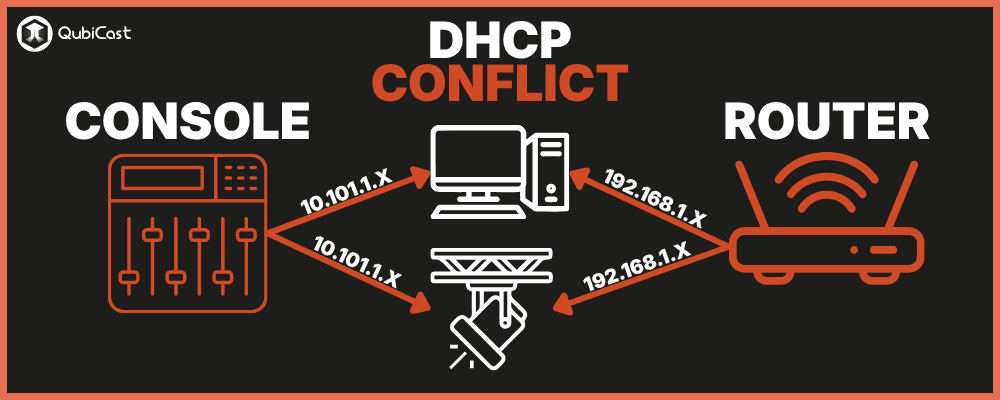
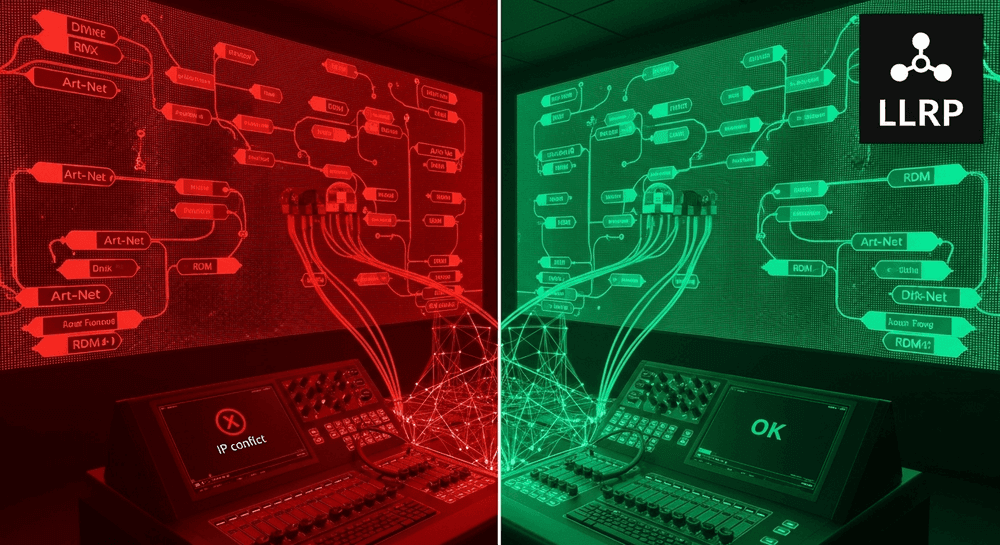
DHCP conflicts. Many lighting consoles include built-in DHCP servers to automatically assign IP addresses to gateways and nodes. ETC's Ion Classic documentation confirms the console can serve as a DHCP server, self-assigning an IP and distributing addresses to connected devices. On a standalone lighting network, this is convenient. On a shared network, it becomes a rogue server competing with the venue's IT DHCP. Devices start receiving addresses from the wrong server, ending up on the wrong subnet, and losing connectivity.
Multicast flooding. sACN transmits DMX data using multicast, with each universe mapped to its own multicast group address. On a properly configured network with IGMP snooping, switches only forward each universe's data to the ports that need it. Without IGMP snooping, switches treat multicast as broadcast and flood every universe's data to every port on the network. Luminex's white paper on IP multicast and IGMP covers this mechanism in detail.
The scale of this is easy to underestimate. Each sACN universe generates roughly 1 Mbps of continuous traffic. A 50-universe show produces 50 Mbps of multicast data flooding every port.
The most dramatic example is probably the Las Vegas casino incident where a technician accidentally connected a Cobranet audio network to the house infrastructure through unmanaged switches. The multicast traffic became broadcast and created a storm that took down point-of-sale, security, gaming, and hotel WiFi systems simultaneously.
ArtPoll broadcast traffic. Art-Net uses broadcast packets for device discovery. On a shared network, these ArtPoll packets reach every device, not just lighting equipment. Enterprise switches with storm-control thresholds may interpret the regular burst of broadcast traffic as a broadcast storm and shut down ports in response.
IT security scans disrupting lighting. Enterprise vulnerability scanners probe every device on the network looking for security weaknesses. DMX gateways and lighting nodes aren't designed to handle these scans. They can trigger watchdog resets, interrupt RDM communications, or cause gateways to temporarily go offline.
What the Manufacturers Recommend
ETC recommends physically separate networks for lighting control. Their network documentation specifies that lighting systems should use isolated networks with dedicated hardware and cabling, separate from corporate intranets and the internet. They recommend static IP addressing on the 10.101.x.x range, Gigabit Ethernet, and switch latency below 125 microseconds per switch. VLAN isolation is the accepted alternative when full physical separation isn't practical. ETC also notes that a managed switch that is misconfigured can be more harmful than an unmanaged one.
MA Lighting recommends VLAN separation in their grandMA3 network design documentation when switches carry traffic other than MA-Net. They specify 1 Gbit/s minimum bandwidth, a maximum of 2 ms latency on the broadcast domain, and that Energy-Efficient Ethernet (EEE, sometimes called "Green Ethernet") must be disabled on all ports carrying lighting data.
EEE is particularly insidious: it saves power by briefly disabling ports during periods of low activity, but sACN's continuous multicast streams can trigger these micro-sleeps, causing random data loss that's extremely difficult to diagnose.
Luminex ships their GigaCore and VIA switches with IGMP snooping and a built-in IGMP querier enabled by default, specifically because multicast without IGMP snooping defeats the purpose of using multicast in the first place.
IGMP Snooping: The Feature That Makes or Breaks sACN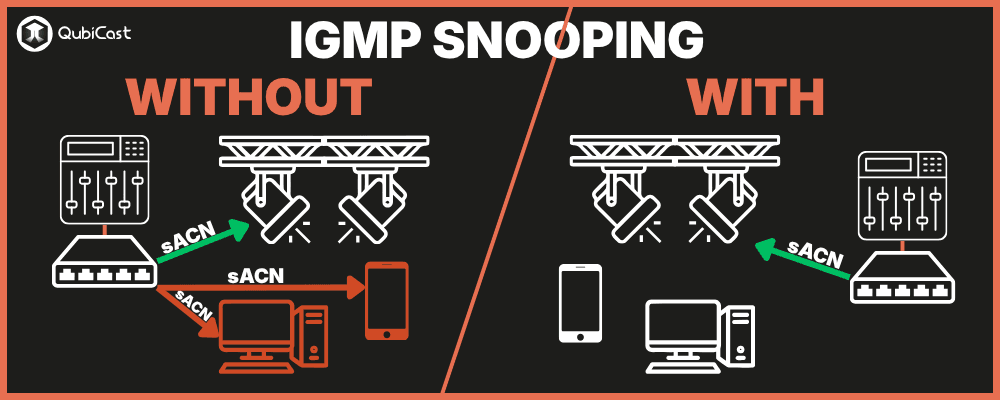
IGMP (Internet Group Management Protocol) is how devices tell switches which multicast groups they want to receive.
A device interested in sACN universe 1 sends an IGMP join for multicast group 239.255.0.1. The switch records this and only forwards that universe's data to that device's port. All other ports stay clean.
An IGMP Querier (typically one designated switch) periodically asks devices which groups they still need. Devices respond, and the switch updates its forwarding table.
Without a querier, subscriptions eventually expire and multicast reverts to broadcast.
For this to work, three things must be true:
- IGMP snooping must be enabled on every switch in the path
- Exactly one switch must be configured as the IGMP querier
- all switches must agree on the query interval (typically 30 seconds).
Unmanaged switches have no IGMP snooping. They treat all multicast as broadcast. On a small network with a few universes, this is often tolerable. On a larger network or a shared infrastructure, it creates the flooding problem described above. But incorrect IGMP timeouts, misplaced querier roles, or aggressive storm-control settings on managed switches can silently drop legitimate lighting traffic, which is why ETC warns about misconfigured managed switches being worse than unmanaged ones.
Small Venue vs. Large Installation
The appropriate level of isolation depends on the scale.
A small venue (one console, a handful of nodes, under 16 universes) can get by with a dedicated unmanaged Gigabit switch physically separated from the IT network. No VLANs, no managed switch configuration. Just keep the lighting cable out of the IT patch panel. Static IP addressing, console DHCP acceptable for this scale, and EEE disabled if the switch supports it.
A larger installation (multiple consoles, 16+ universes, mixed Art-Net and sACN, potentially touring equipment) needs managed Gigabit switches with IGMP snooping enabled, a designated IGMP querier on exactly one switch, a dedicated VLAN with no traffic shaping or bandwidth throttling, static IP addressing throughout, EEE disabled on all ports, and no internet connectivity routed to the lighting VLAN. If the venue regularly hosts touring consoles, consider how guest equipment will join the network without disrupting the house system.
The Conversation with IT
The friction between lighting and IT departments is real, and it's usually not anyone's fault.
IT departments enforce policies designed to protect the building's network:
- no rogue DHCP servers,
- no unmanaged broadcast traffic,
- no devices running unsupported operating systems.
Lighting consoles often violate all three by design.
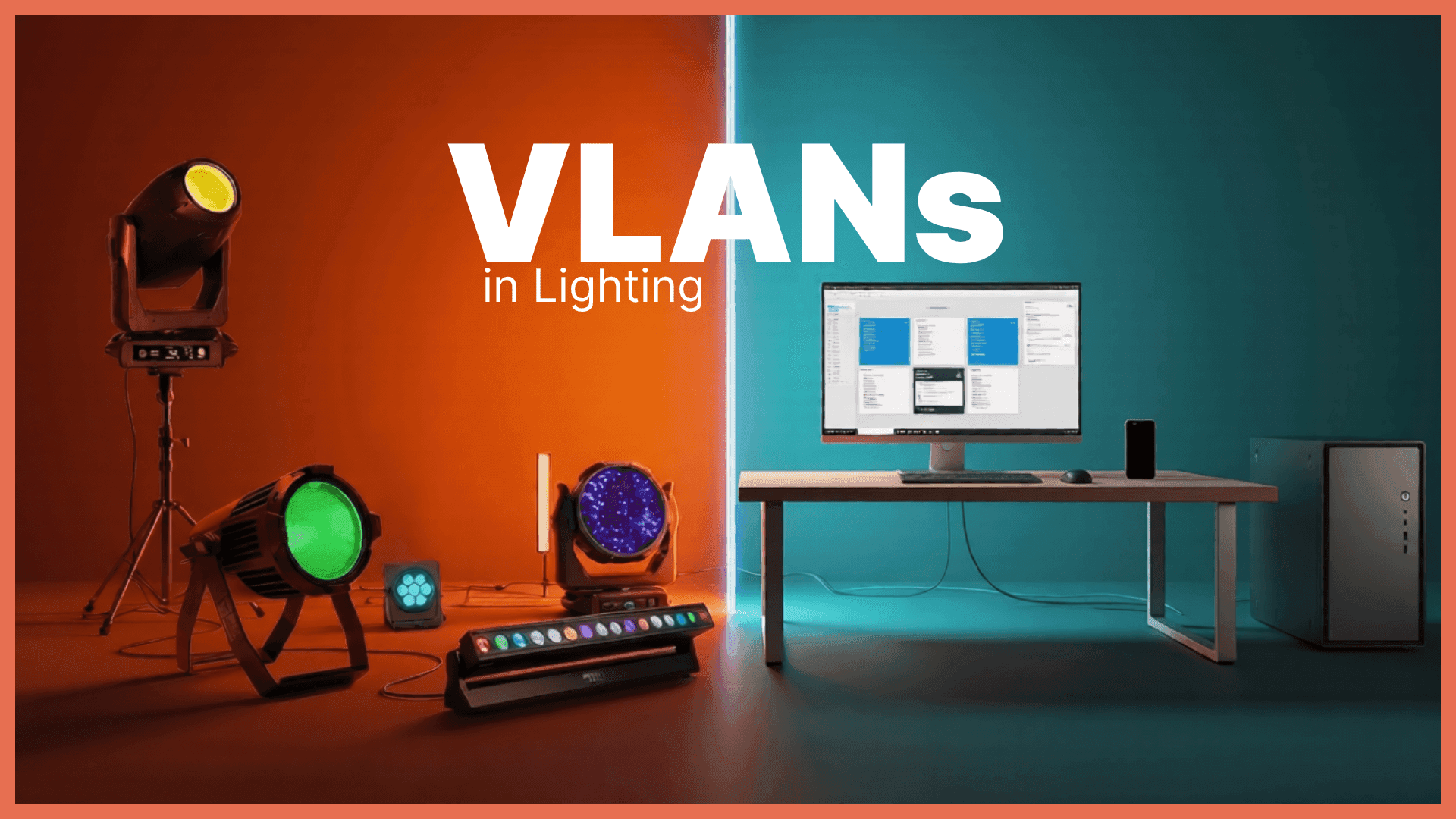
The most productive approach is to propose VLAN isolation as a compromise. The lighting department gets a dedicated VLAN on the existing switch infrastructure, with its own IP range, its own DHCP scope (if needed), and no routing to the internet. The IT department retains control of the physical switches, can monitor the VLAN's traffic, and doesn't have lighting broadcasts flooding their production network. Both sides get what they need.
The alternative, which is what usually happens by default, is plugging the console into whatever switch port is available and hoping nothing breaks. It works until it doesn't, and when it fails, both departments blame each other because neither can see what the other's equipment is doing on the shared network.
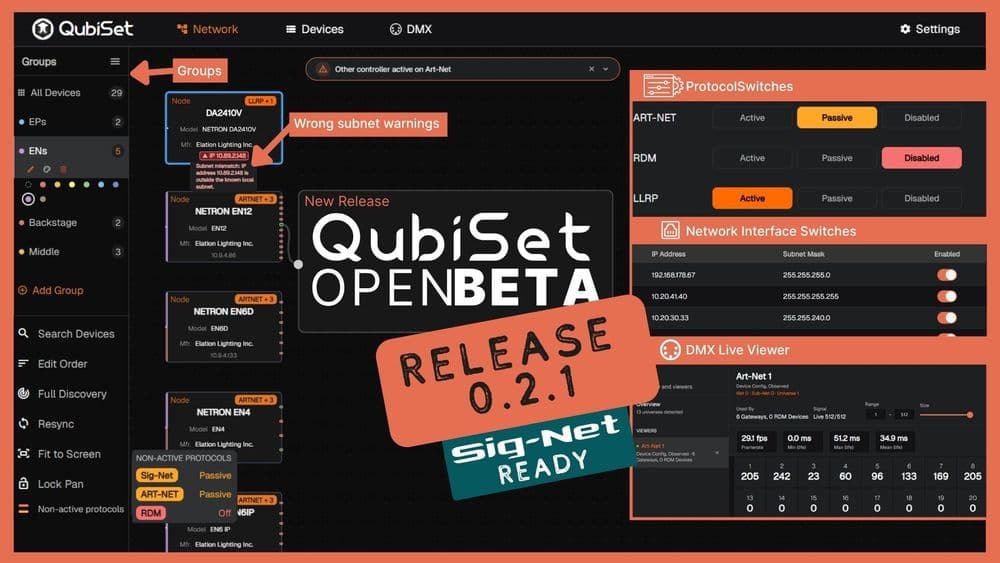
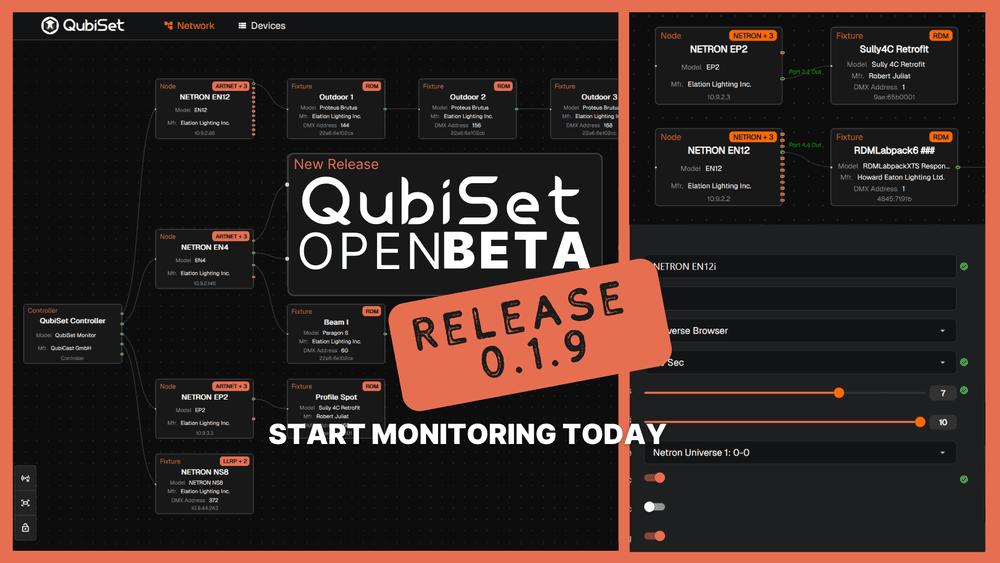
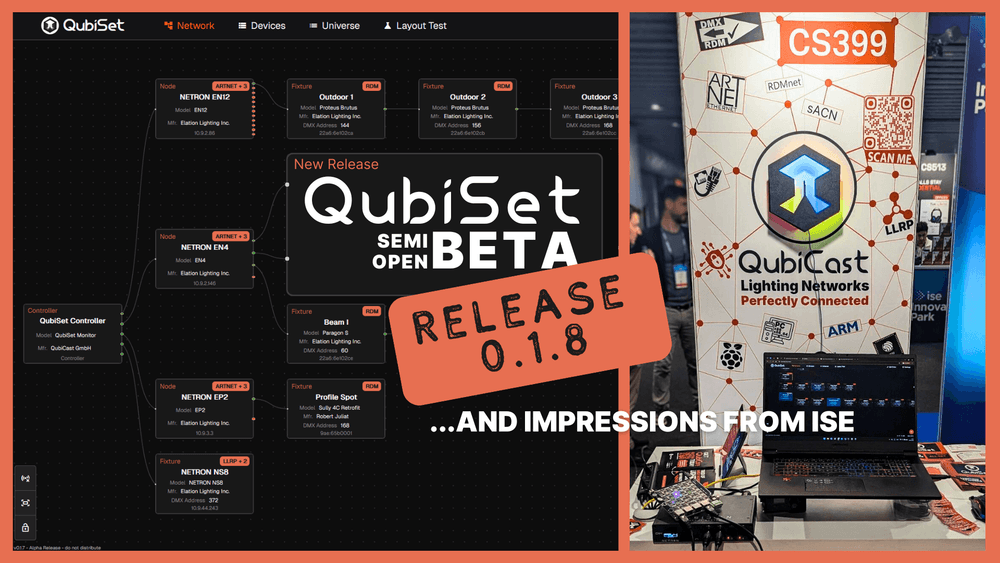
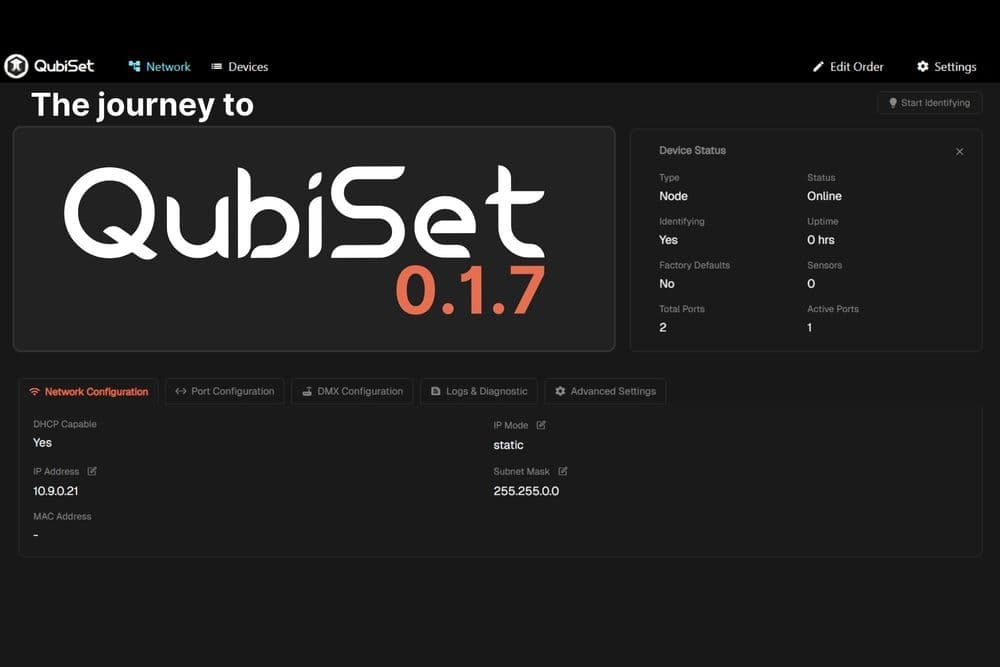
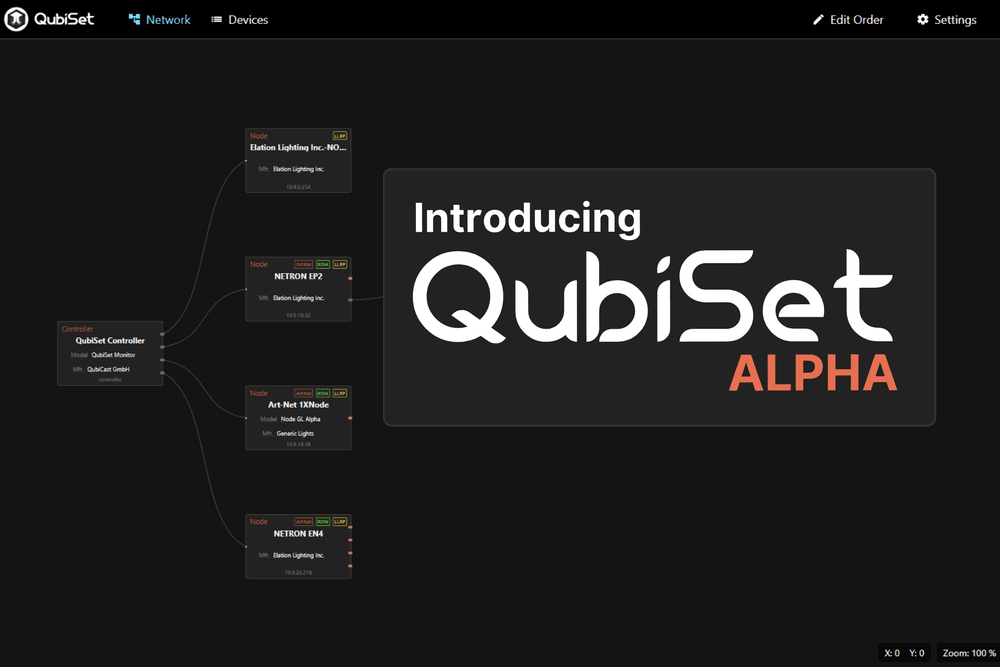
Tools like QubiSet help bridge that gap by providing visibility into what's actually happening on the lighting network: which devices are present, which protocols are active, and where configuration conflicts exist. When the IT department asks what exactly your lighting system is doing on their network, having concrete answers makes the VLAN conversation much easier.