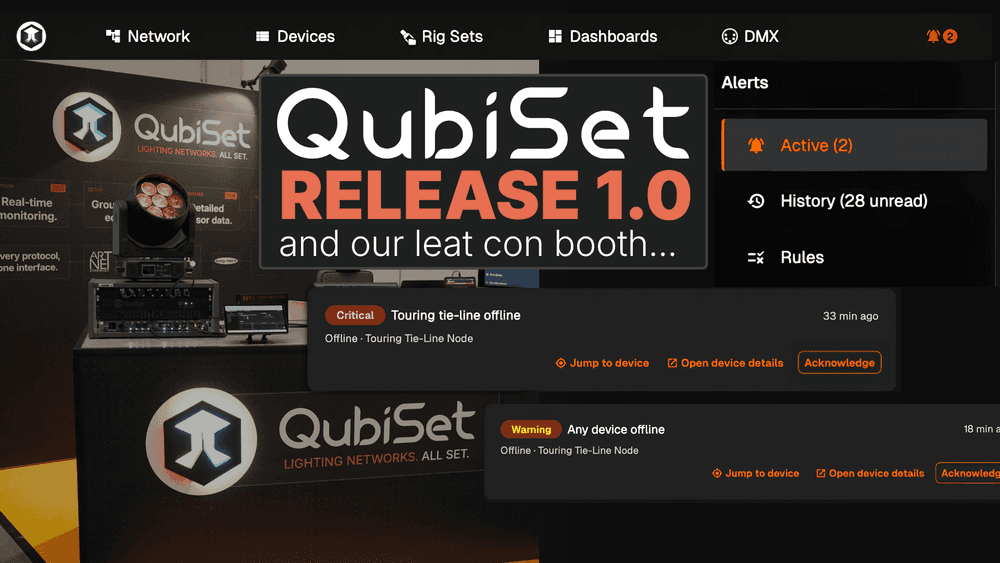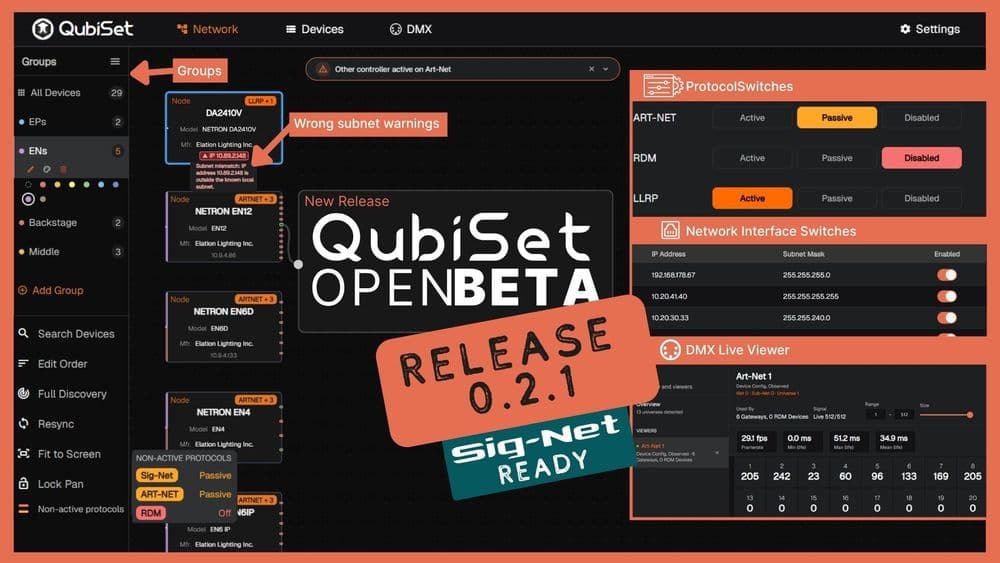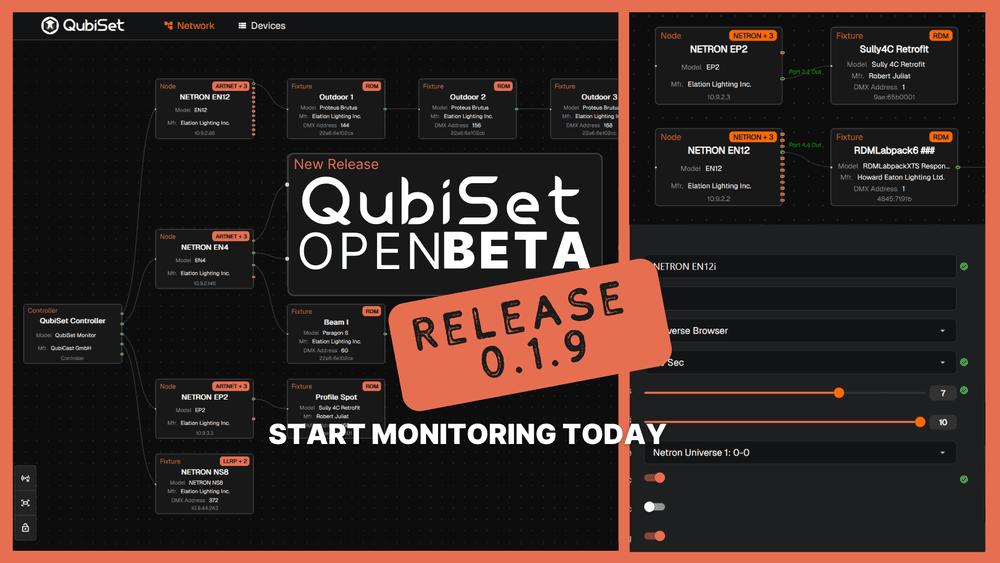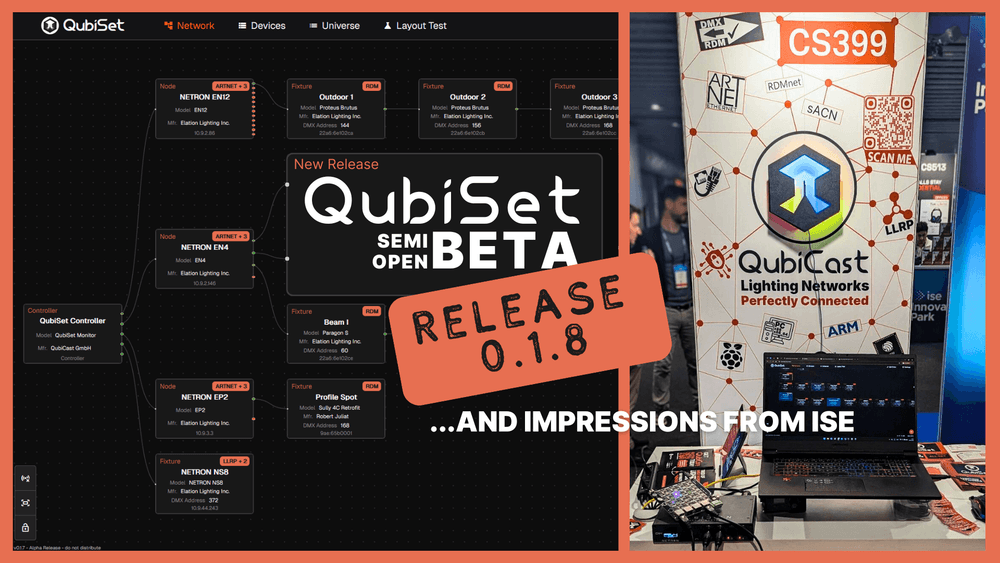

QubiSet is out of open beta and into early access. Two things change with it. You can now build your own monitoring views, and you can explore the entire app without plugging into anything.
First, the account bit
Early access means you create a QubiCast account. The app takes it from there: it offers you Early Access right on the start screen. One click opens a checkout that confirms a €0 subscription, and your license arrives in the app by itself. Despite the checkout button's official wording, nothing is charged and no payment details are needed. No license key, nothing to paste, nothing to reinstall.
Already running QubiSet? Update, sign in as usual, and the app offers you Early Access once at startup. Confirm the free checkout in your browser and switch back. Your license updates on its own. Already claimed it on the website? The app picks that up by itself too.
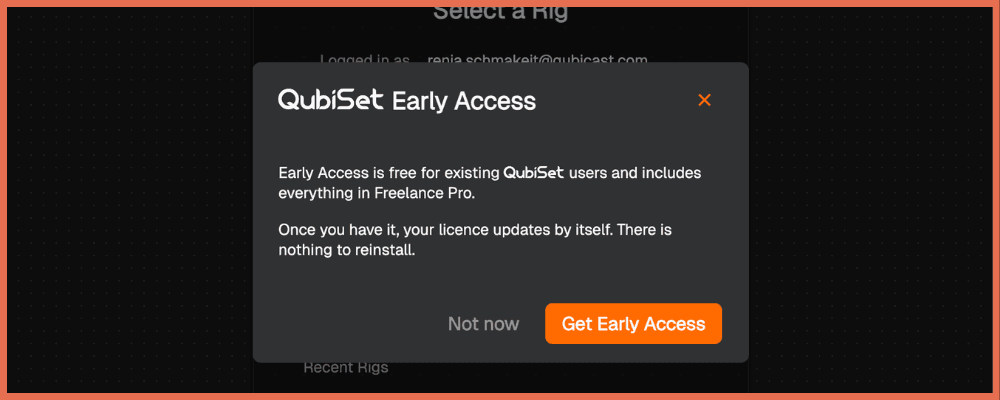
We are being upfront about where this goes: QubiSet will become a paid product eventually. Early access is free for the whole early access period, and nobody who claims an entitlement is going to open the app one morning and find it locked. You will hear from us well before anything changes.
There is also a straightforward deal on the table. Send us genuine feedback, on Discord, through the feedback form, or by mail, and we extend your free access. Get on a call with us and we extend it further. We would rather pay for good feedback in access than guess at what the app needs.
Dashboards
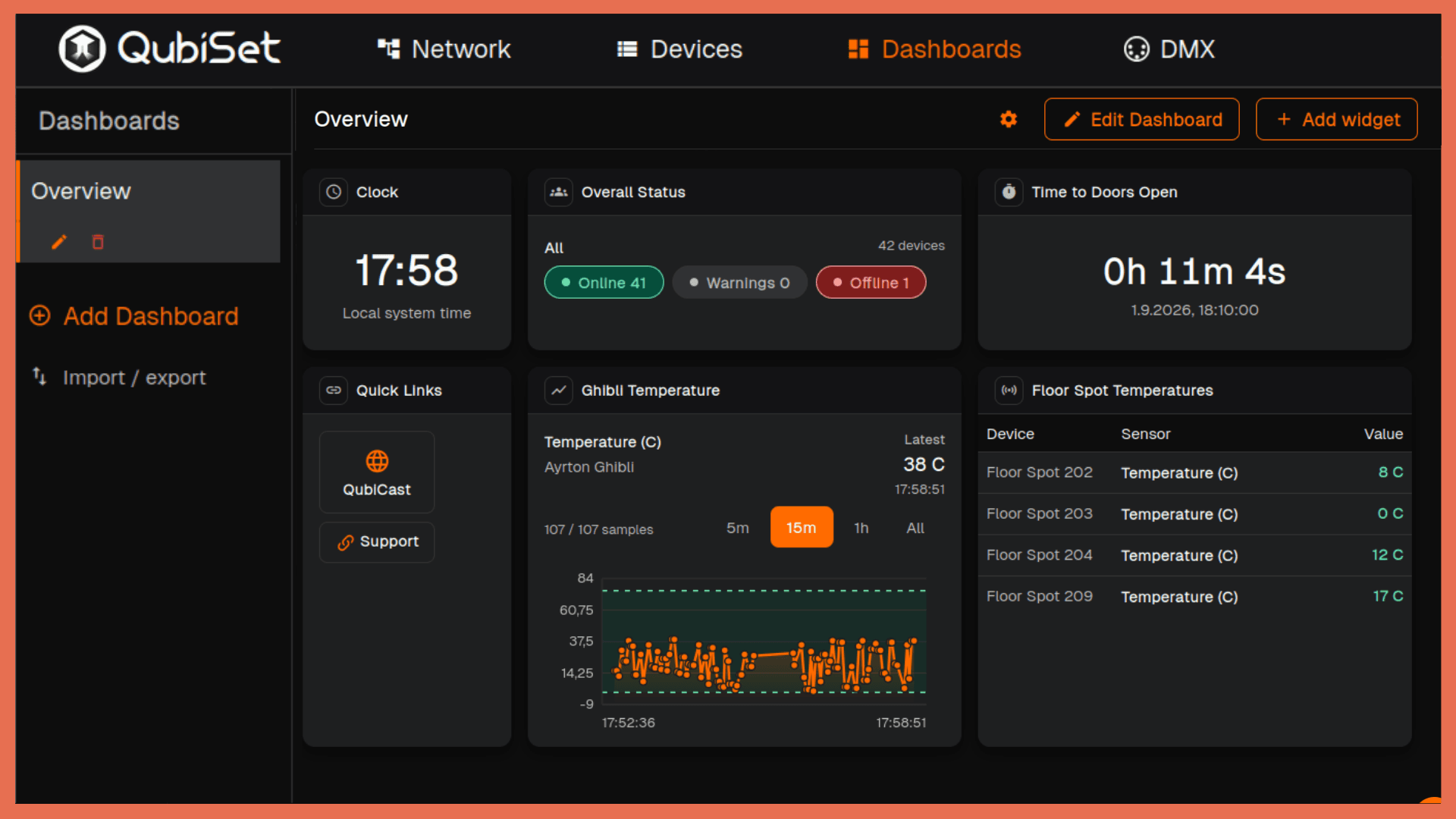
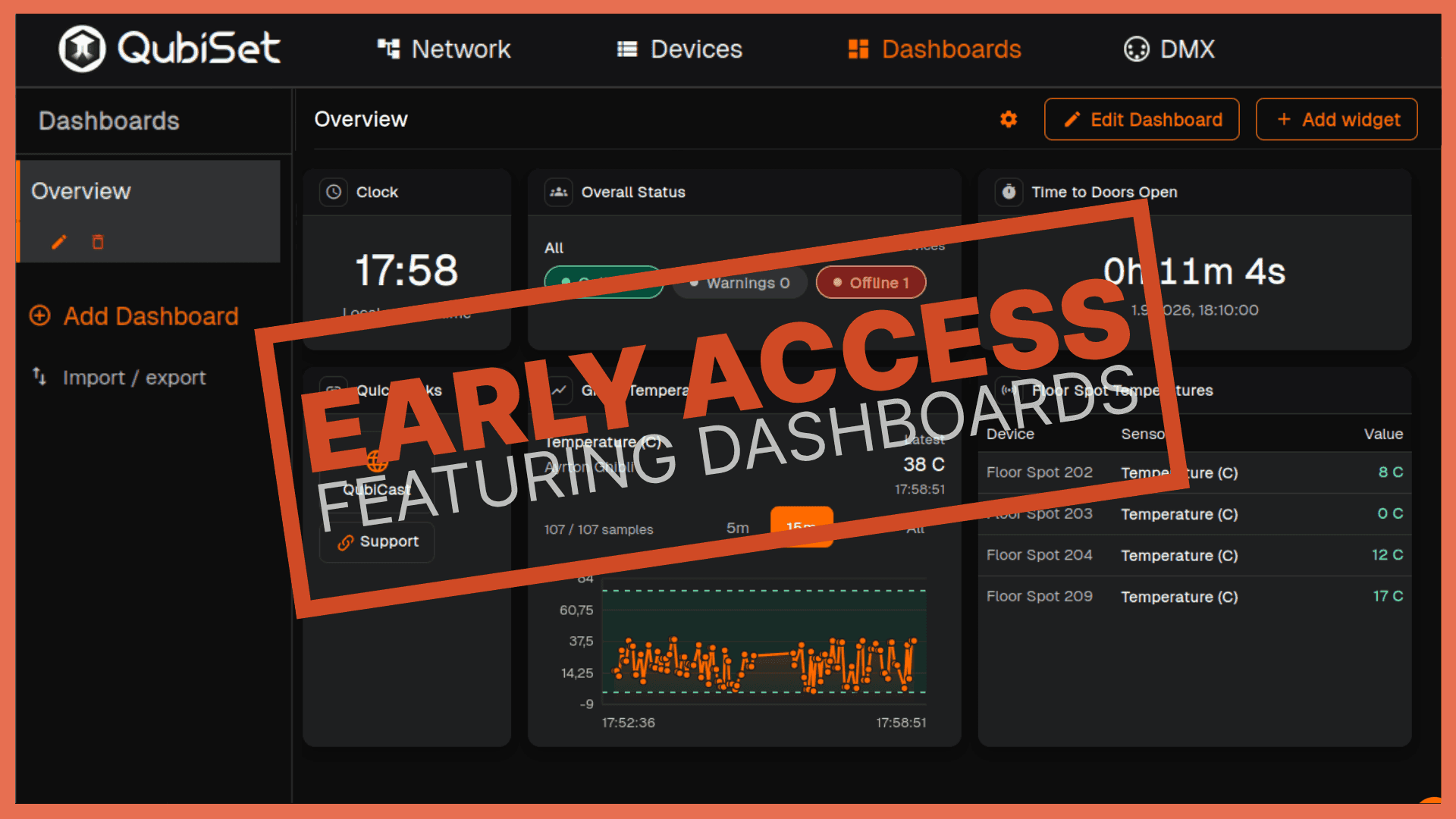
The new Dashboard tab lets you build monitoring views that match how your rig actually works. Drag widgets onto a grid, resize them, arrange them, name the dashboard, and make as many as you need.
Widgets cover device health, warnings, universe status, RDM sensor values, sensor timelines, DMX levels and DMX ranges, and RDM device counts. There are also text blocks, images, quick links and separators, so a dashboard can be labelled and organised rather than just dense.
The timeline widgets draw on recorded history, not just live values. QubiSet stores sensor readings per Rig, so the temperature spike from this afternoon is still on the graph when you check in the evening.
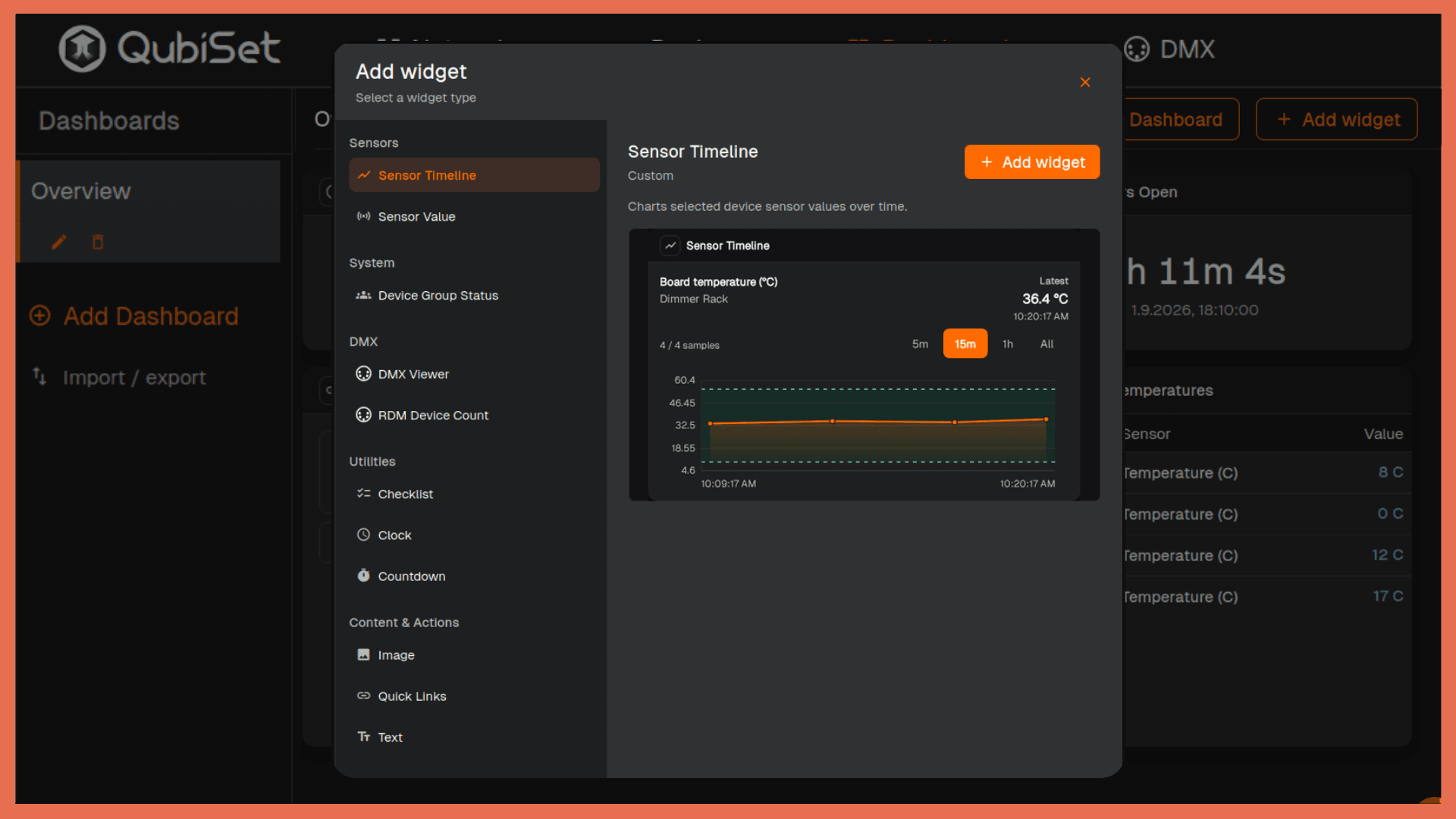
The reason this exists: nobody watches the same six things. A touring op tracking universe activity across a handful of nodes wants a different screen from a venue tech watching fixture temperatures across three floors. One default view was never going to serve both.
Rig selection, and a rig that isn't real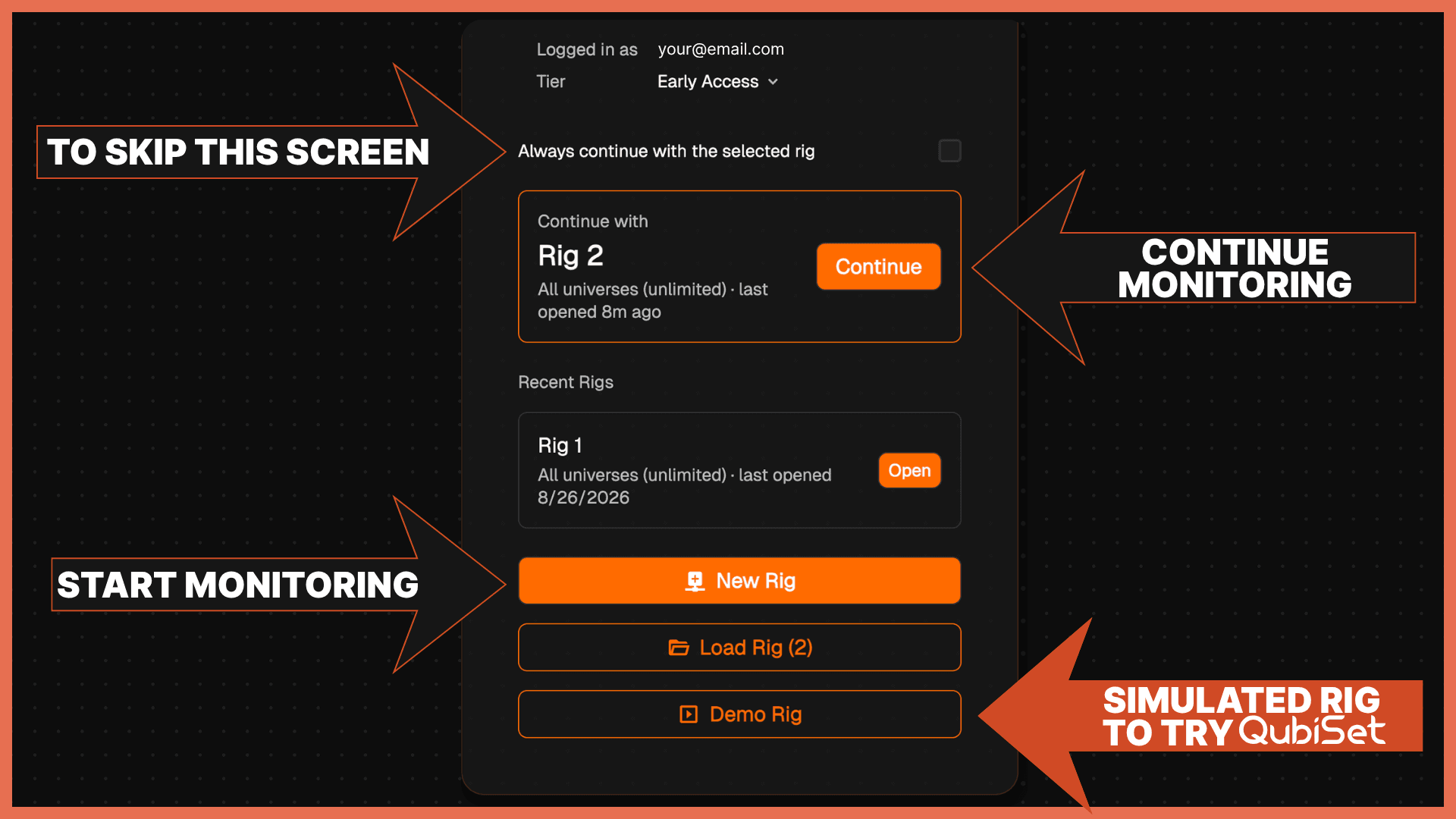
QubiSet now starts by asking what you want to monitor, and it remembers your answer. Your last Rig sits at the top as "Continue with", your recent Rigs are one click away below it, and the full Load Rig list appears once you have more than one saved.
New Rig starts monitoring everything on the wire right away, so you see the whole network first. Once you know which universes matter, edit the Rig and narrow it down: a house rig with 200 universes does not have to stay 200 universes of noise in your device list when you are working on four of them.
Demo Rig is a complete simulated lighting setup with no traffic on any wire. It is the one to try first if you have never run QubiSet. Devices to browse, universes to inspect, and enough data behind them to build a dashboard and watch it populate, all without a single packet leaving your machine. Install it on the train, learn where everything lives, and arrive at the venue already knowing the app.
Two other things worth knowing:
Every device now keeps a log, stored with the Rig: IP changes, RDM disconnects, configuration events, all of it still there hours later and filterable by type. Entries lead with what changed, so a log line opens with "Detected IP change from 2.0.0.14 to 2.0.0.21" or "RDM disconnected" instead of burying it in a details list.
And wrong-subnet diagnostics now catch devices that do not speak LLRP, as long as they are reachable, which closes a gap where a misconfigured device could be looking just fine.
The rest is in the changelog below.
What we are working on next
Sets, built on top of rigs. A rig is a universe selection. A set will be a saved snapshot of the network itself: every device, how it was configured, where it sat. Load a set and QubiSet compares it against what is actually plugged in right now and flags the differences, devices that are missing, devices that are new, devices whose configuration has drifted. Then patch the whole lot back to the stored settings in one go, rather than walking the rig with a laptop.
Suggested fixes for wrong-subnet diagnostics. Finding the misconfigured device is the easy half. We want QubiSet to suggest automatic fixes for the misconfiguration.
Rig timeline. Everything that happened across the Rig in one chronological view: warnings, device changes, disconnects. The warning from four hours ago is still there when you go looking, even when you do not know which device to ask.
Download QubiSet or come tell us what is missing on Discord.
Changelog: Early Access (0.3.0)
Added
- Customisable dashboards with a resizable widget grid, multiple named dashboards, and live widgets for device health, warnings, universe status, RDM sensor values, sensor timelines, DMX levels, DMX ranges and RDM device counts, plus text, image, quick link and separator widgets.
- Rig selection at startup: continue with your last Rig, reopen a recent one, create a new Rig, or start the Demo Rig.
- Demo Rig: a fully simulated lighting workspace with the full QubiSet feature set and no real network traffic.
- Get Early Access directly from the start screen: one click opens the free checkout, and the license activates in the app by itself.
- Per-device logs stored with the Rig: IP changes, RDM disconnects and configuration events, filterable by type, with each entry leading with what changed.
- Port conflict detection: QubiSet warns when another application on the same machine already occupies an Art-Net, LLRP or Sig-Net port, instead of silently missing traffic.
- Digitally signed installers and executables on Windows, so the publisher shows as QubiCast rather than an unknown source.
- Linux builds.
- Art-Net OEM registry data used as model description fallback for devices that do not identify themselves through another protocol.
Improved
- Settings is reorganised into grouped sections with a sidebar, so related options live together and the list stays manageable as the app grows.
- Network discovery got faster.
- A new Rig starts monitoring all universes right away; narrow it down by editing the Rig once you see what is on the wire.
- Error messages across the app now speak plain language instead of technical jargon, and bulk edit error cards carry contextual help icons that explain what to do.
- Wrong-subnet diagnostics now also catch reachable devices that do not support LLRP.
- Lighting discovery and network activity stay stopped until login completes. QubiSet puts nothing on your lighting network before you are signed in.
- Login and account screens stay usable while the lighting runtime is preparing.
- Disabled protocols now behave consistently across Settings, search, device filters, the DMX viewer, device details and NETRON maintenance screens. No more controls sitting in stale or unusable states.
- Network and Devices give consistent feedback while discovery is running or no devices are present, with unavailable actions clearly disabled.
- Network interface enable and disable changes are applied and persisted reliably, with the live network view refreshing afterwards.
- RDM discovery and Art-RDM routing are more resilient to disconnected devices, changing TOD advertisers, incomplete TOD sequences and multi-port Art-Net gateways.
- Uploads and streamed device data use validated per-user writable locations, reducing failures on installed desktop systems.
Fixed
- Stale device state and duplicate or offline presentation after network interface changes.
- A crash when a network interface disconnected while discovery was running.
- DMX viewer cells no longer clip outside their grid.
- The empty dashboard now offers clear actions to get started instead of a blank grid.
- Demo mode stability: a crash on empty RDM device lists, and unexpected demo exits now explain themselves.
- Various runtime, shutdown and stability issues.