
QubiSet 1.0: Alerts That Reach You, and Sets That Put Your Rig Back
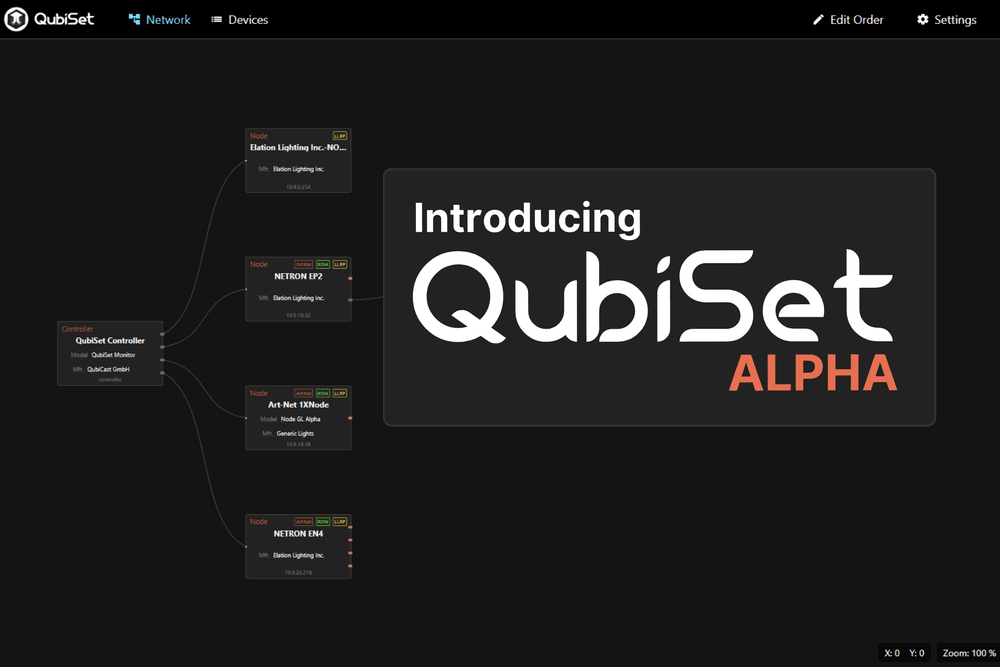
QubiSet 1.0 tells you when something on your lighting network goes wrong, remembers how your rig was set up, and puts it back. It is out today, with a Free plan that stays free.
A moving head on truss three drops off the network at ten past two. The node saw it go and RDM stopped answering, but nobody was looking at that port. It turns up at the pre-show check at half past six, when the fixture does not respond and someone goes up a ladder to find out why.
QubiSet 1.0 closes that gap. It watches the rig while you do something else, tells you when a condition you care about becomes true, and remembers what the rig looked like when it was right. From today QubiSet is also a paid product, with a Free plan that stays free.
The Alert Center
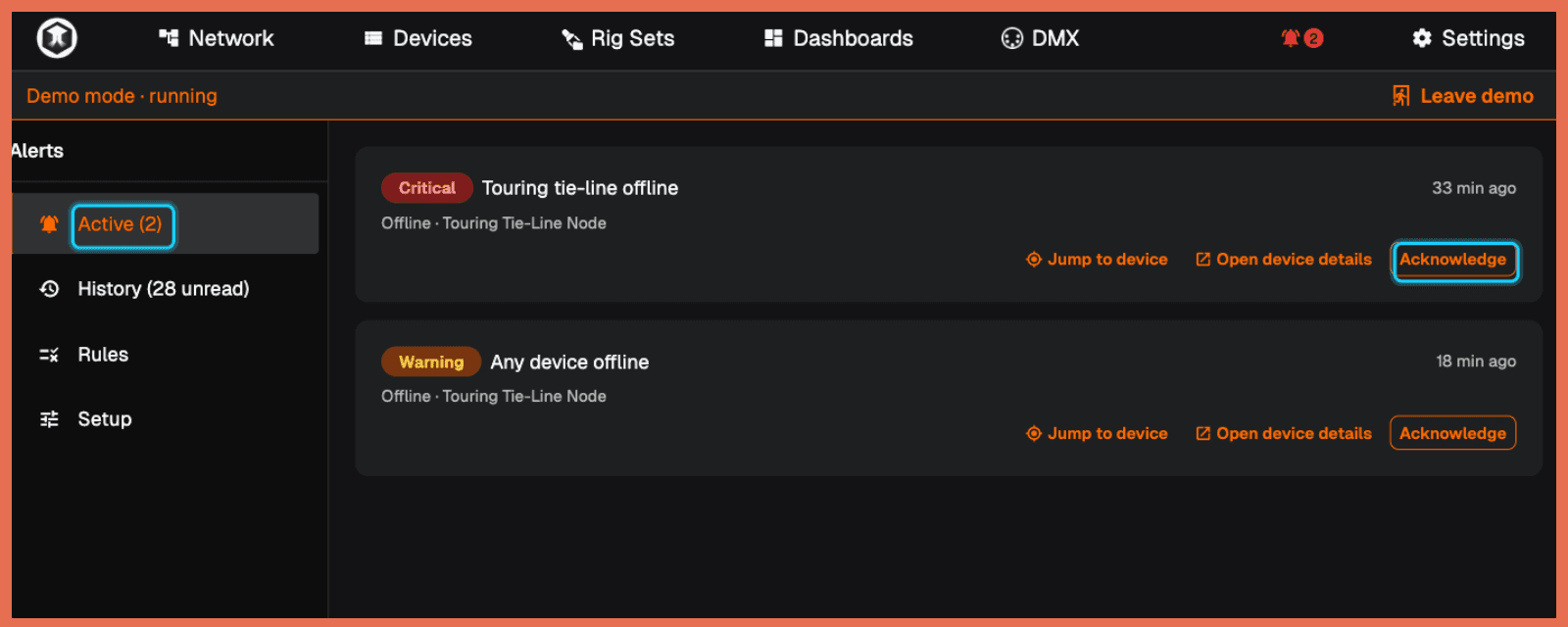
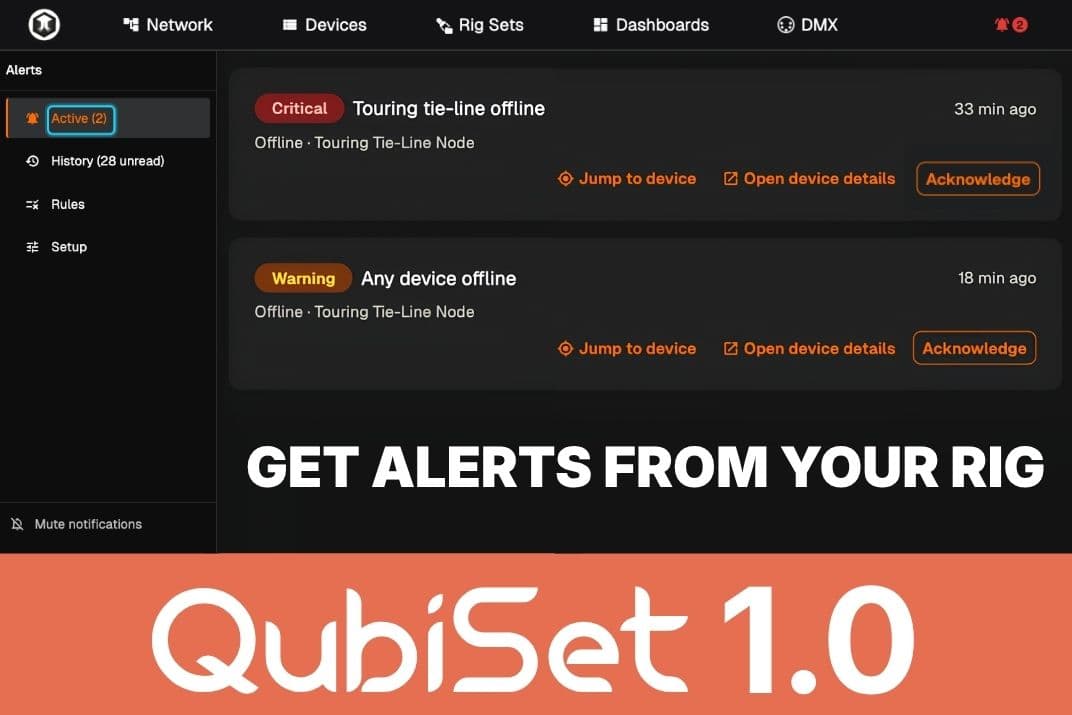
You describe what counts as a problem in the terms of your own rig. Pick devices, groups or nodes from the network tree, choose a condition, and QubiSet reads it back in plain words: “Any device in Stage left is offline for 30 seconds.” Each rule has a severity and a hold time, so a fixture on a tired cable that drops out for two seconds does not alert anyone, and one that stays gone for thirty does.
Rules watch for:
- devices going offline and coming back
- RDM warnings and errors reported by the fixtures themselves
- sensor values crossing a threshold, such as an LED engine temperature
- unexpected DMX sources on a universe
- configuration changes on a device
- devices in the wrong subnet
Alerts go where you already look: email, webhooks, Microsoft Teams, Slack, Discord, Google Chat, Mattermost, ntfy, Pushover, and Zabbix for venues that run it. In the Alert Center you acknowledge an alert so the crew knows someone is on it, mute rules during a changeover, and read a history of what changed and when. A built-in rule also tells you when QubiSet itself loses sight of the network, so a quiet screen always means a quiet rig.
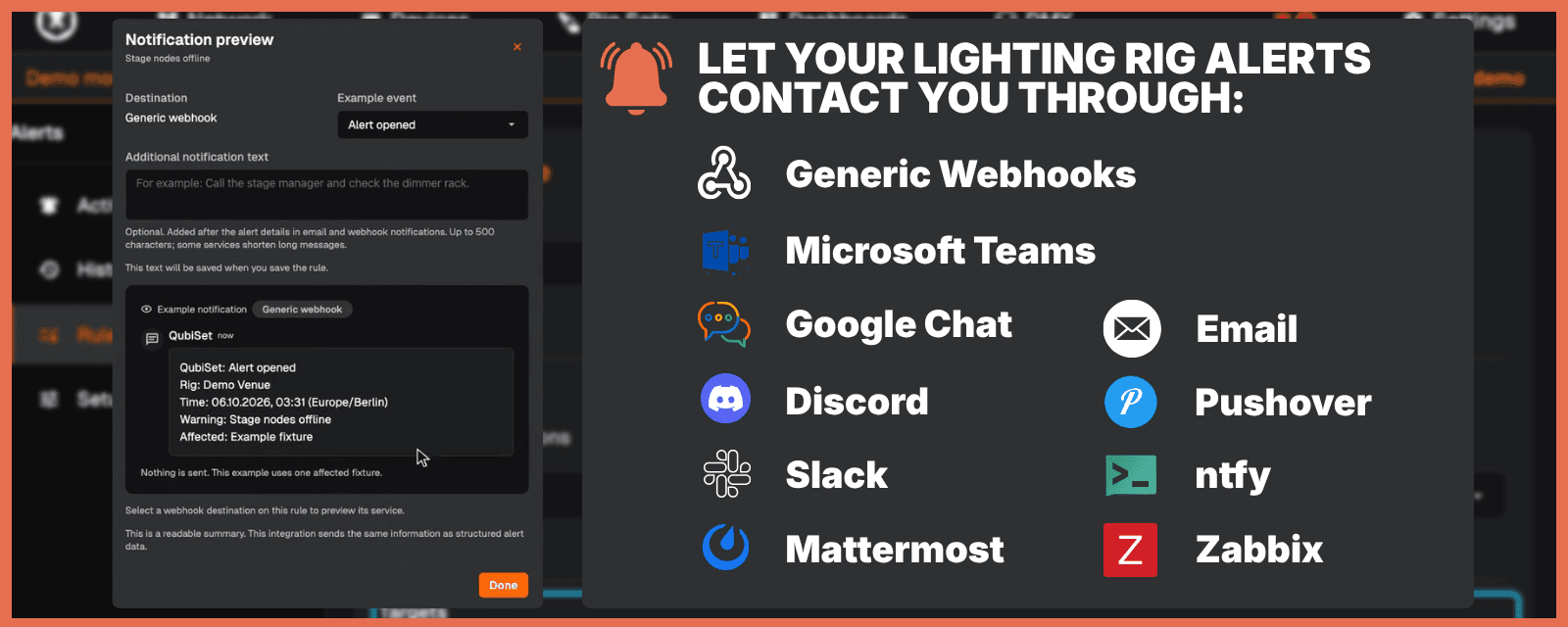
Free includes three rules with in-app alerts. Email, webhooks and the alert history start with Freelance. To see it all without a rig, open the Demo Rig: two rules are already firing when it starts. The guide Alerts and alert rules shows how to set up your own. We made the case for this kind of monitoring in March, in From Reactive to Proactive.
Rig Sets: save the rig, put it back
A Rig Set stores the name, DMX address and mode of every device, and where on the network it is connected. Save one when the rig is right: after programming, at the end of a tech, before the truck leaves.
Open the Set later and Compare and apply lists what has changed since. You tick the changes you want, QubiSet writes them back in one pass and waits until every device confirms. What it cannot fix remotely, such as a missing fixture, it lists separately. On tour, the fixture someone re-addressed during a swap shows up as one line, and putting it back is one click.
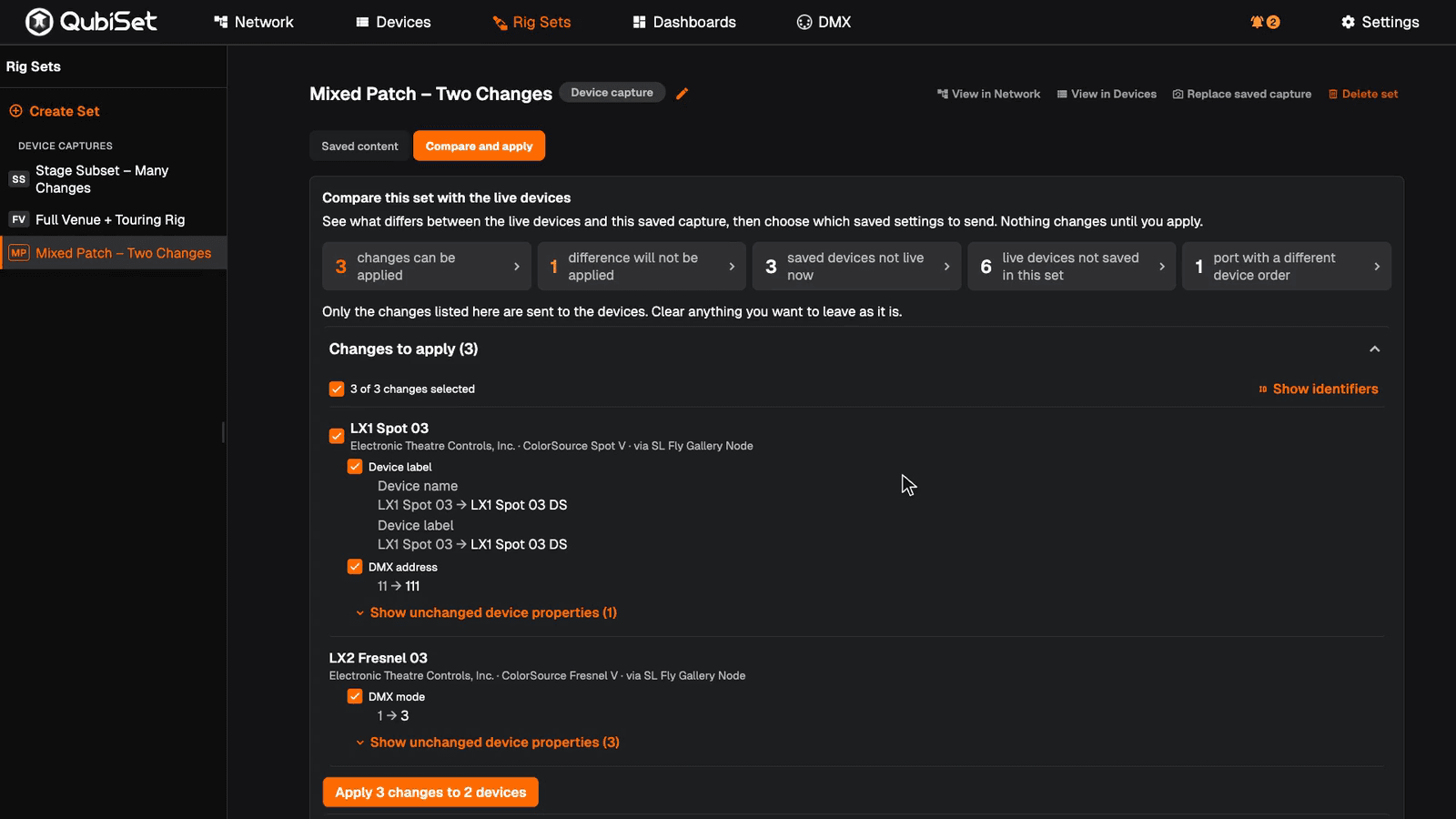
Rig Sets are on every plan, including Free, and the Demo Rig ships with three example Sets to try. The Rig Sets guide goes through it step by step.
MVR import (experimental)
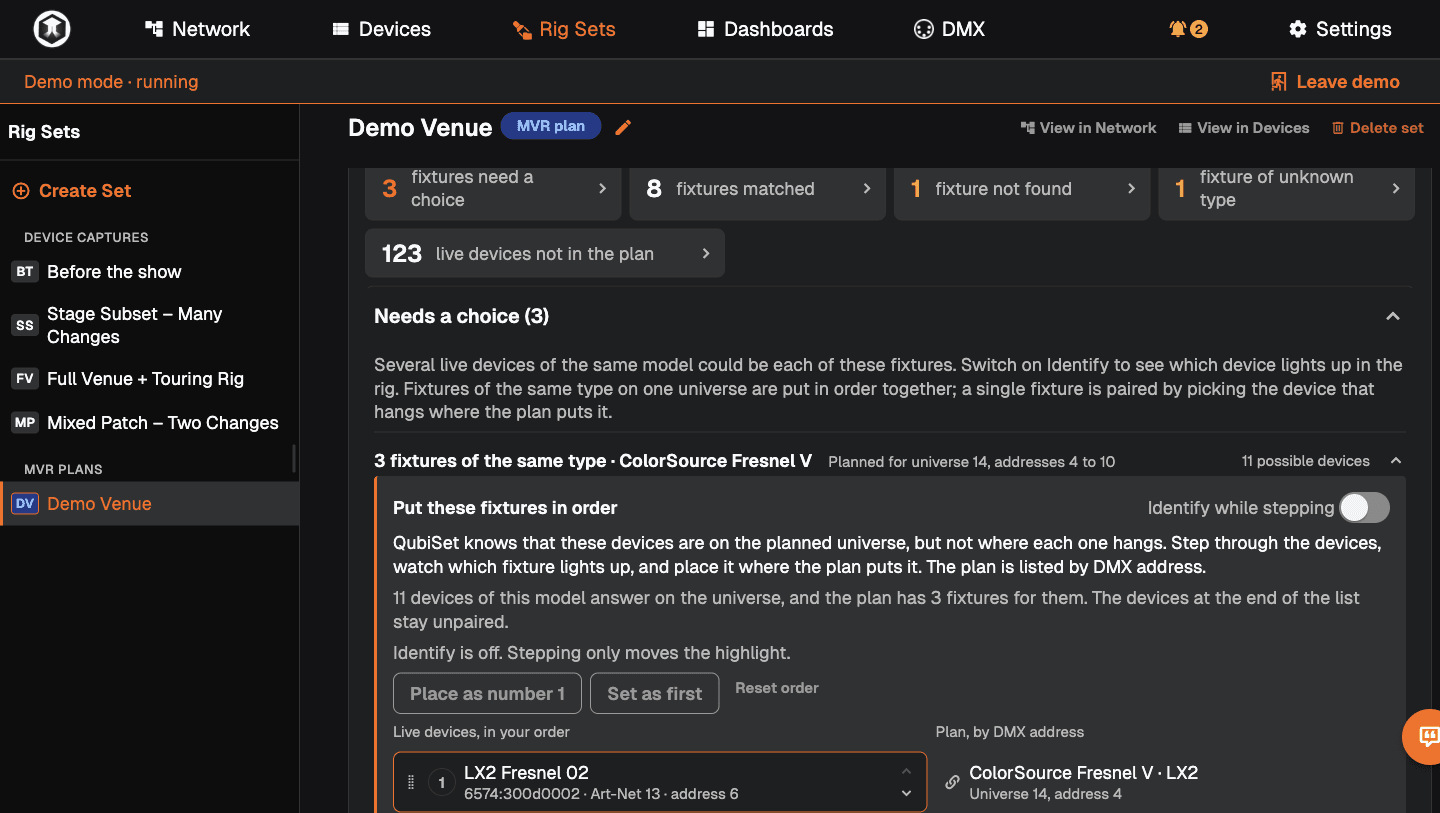
You can also build a Set from the plot. QubiSet imports MVR files (DIN SPEC 15801, written by Vectorworks, grandMA3, Capture and others), pairs each planned fixture with a device on the network, and sets its DMX mode and start address over RDM. Where a pairing is unclear, Identify makes the real fixture flash and you assign it by hand. It does not change universes yet and needs devices that answer RDM. The guide Rig Sets from an MVR file shows each step. If you have MVR files from real productions you can share in our Discord or privately, we would like to test against them.
Try everything in the Demo Rig
Every feature in QubiSet can be tried in the Demo Rig, whatever plan you are on. If your plan does not include a feature, Test in demo rig lets you try it on the simulated rig first.
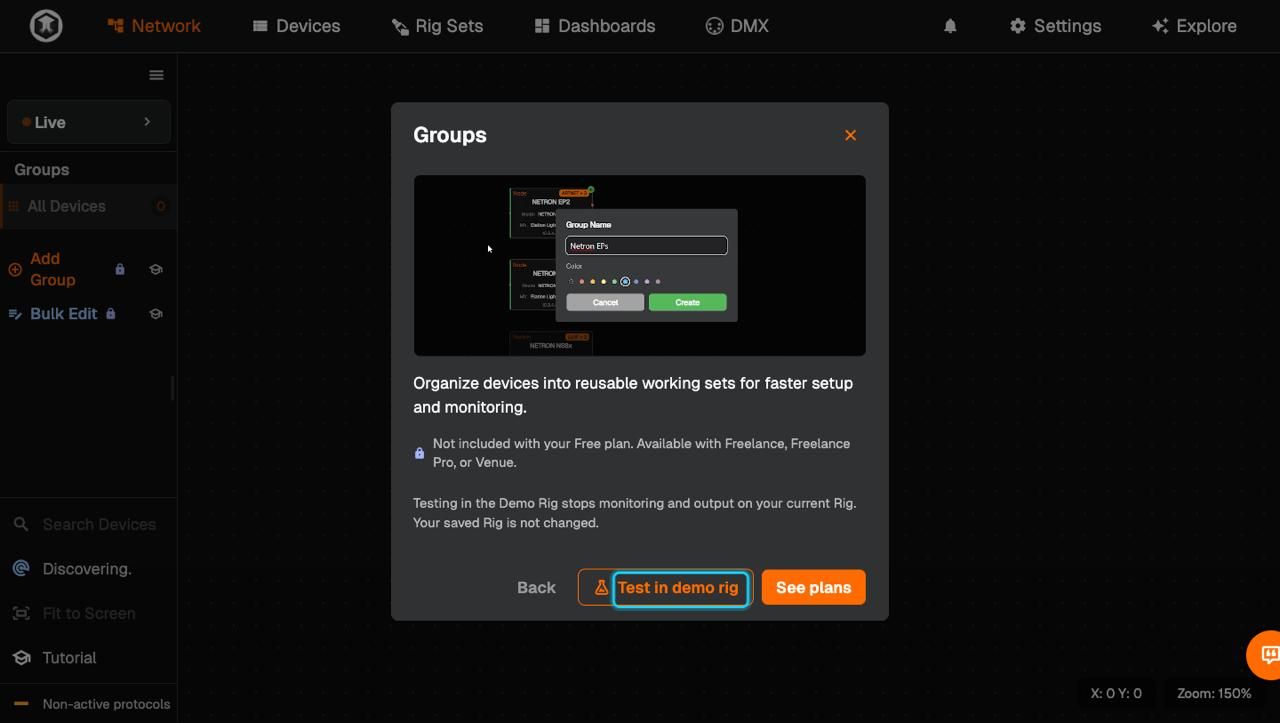
QubiSet has a Free plan that stays free, and paid plans for freelancers and venues. What each plan includes and costs is on the pricing page, which is always current.Lighting computers that never go online are covered too: download a signed licence file for that computer on qubicast.com and import it in QubiSet, no sign-in needed. Venue is available on request for now, so talk to us.
Learn it inside the app
The Demo Rig now includes tutorials that walk you through the features on the simulated rig, so you can learn the Alert Center, Rig Sets and the rest by clicking through them, without touching a real network. For everything else there is a new, searchable manual at qubicast.com/qubiset/support, with step-by-step guides from getting started to alerts, Rig Sets, MVR import, bulk edit and troubleshooting. If you already use QubiSet, it is the quickest way to find how a feature works.
When Early Access ends on 15 October
If you claimed Early Access, you have had Freelance Pro for free, and we promised you would hear from us before anything changed. After 15 October, QubiSet continues on the plan you buy. If you do not buy one, it falls back to Free: 4 universes, 1 Rig, three alert rules, the Demo Rig and Rig Sets. Nothing is deleted. Your Rigs, dashboards and Sets stay readable and come back in full when you upgrade.
Thank you to everyone who ran Early Access on real rigs and told us what broke. A good part of this release came out of those messages.
Last week at leat con
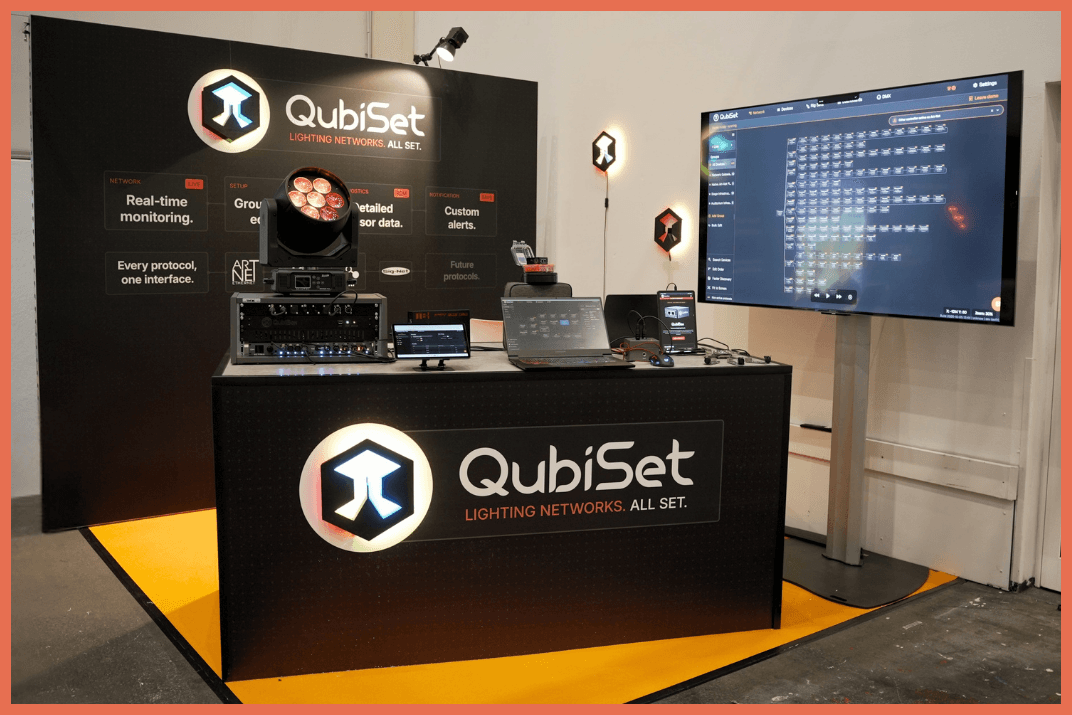
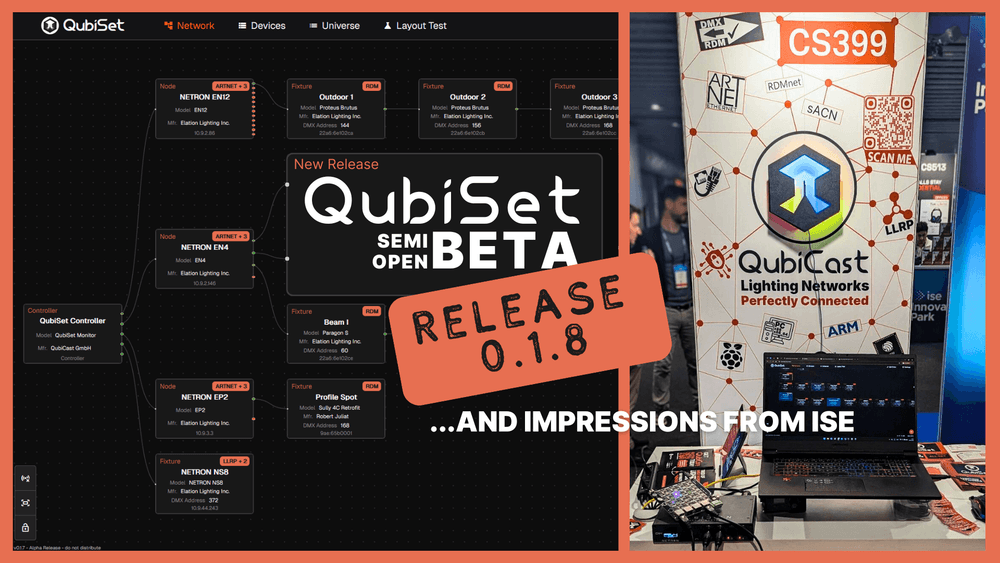
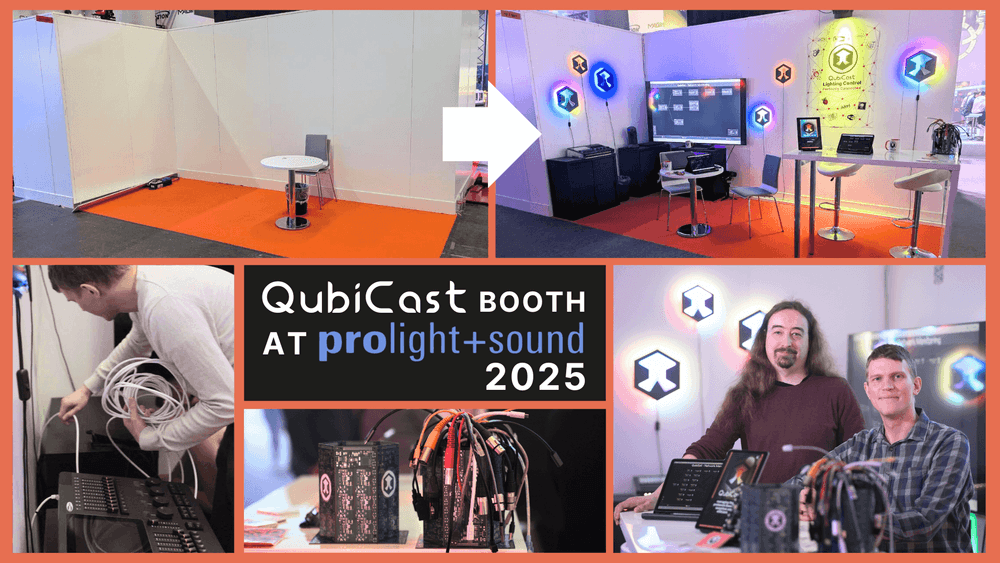
Last week we were at leat con in Hamburg, in Hall A1, with QubiSet running on a real rig and the first public showing of QubiBox. Thank you to everyone who found their way to our corner of the hall and brought real questions about their own rigs.
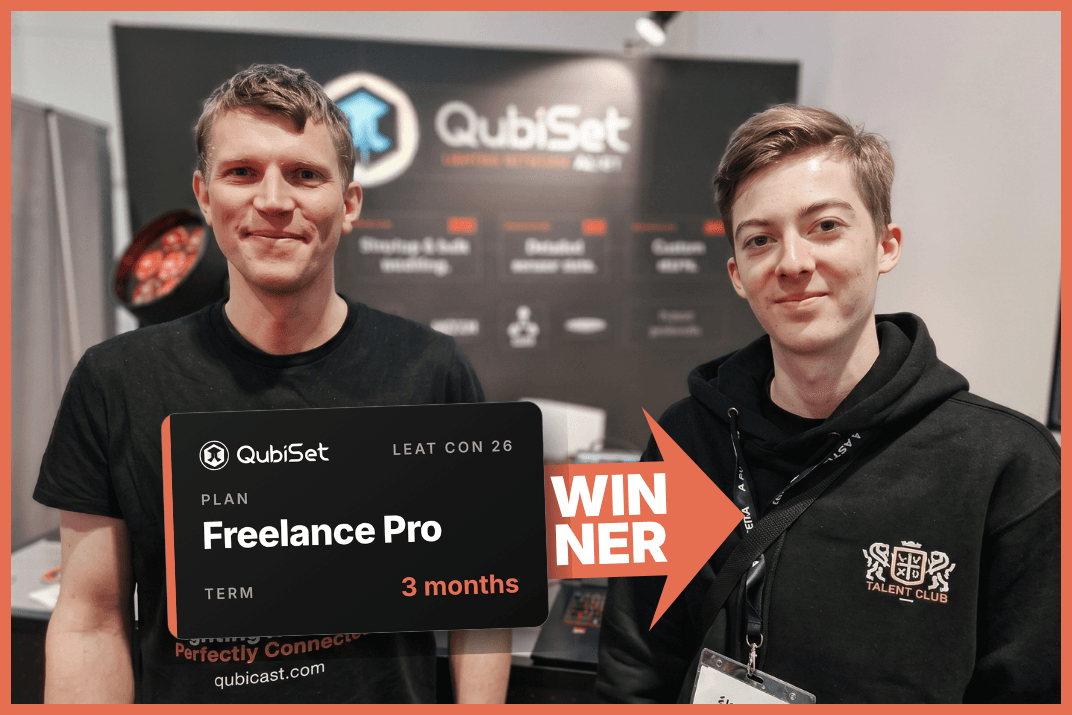
QubiSet was also on the wheel of fortune in the leat lounge: two visitors won three months of QubiSet Freelance Pro each. Congratulations to Pascal and Yesenia.
On Wednesday, Mitja spoke on the Community Stage about the price of not knowing: which condition and operating data RDM delivers from a lighting system, what it costs when nobody reads it, and how real usage data turns the next upgrade into a plan instead of a guess.
What’s next
QubiBox for venues, with remote read-only monitoring and alert delivery. The prototype had its first public showing at leat con in Hamburg. Ethernet discovery, so switches and their ports show up in the network view. And a documented public API. Questions and bugs go to the Discord. Download QubiSet at qubiset.com.
Changelog: QubiSet 1.0
Added
- Alert Center: rules from devices, groups and the network tree, with severities and hold times.
- Alert conditions: offline and recovered, RDM warnings and errors, sensor thresholds, DMX sources, configuration changes, wrong subnet, and Monitoring unavailable.
- Alert delivery: email, webhooks, Microsoft Teams, Slack, Discord, Google Chat, Mattermost, ntfy, Pushover and Zabbix, with Preview notification and heartbeat webhooks.
- Acknowledgement, timed muting, recovery notifications, delivery-outage summaries and alert history.
- Rig Sets with Compare and apply, and “Differs from Set” markers in the Devices view.
- MVR import (experimental).
- Test in demo rig: try any feature on the simulated rig, whatever your plan.
- Licence files for offline computers.
- Per-Rig time zone, date format and clock.
- Devices tab tree view by node and port.
- Guided tutorials in the Demo Rig and a searchable online manual.
- Anonymous aggregate usage counts are now collected without a prompt. Diagnostics stay opt-in.
Improved
- The network view stays on a device you jumped to while discovery runs.
- Tooltips, font weights and the message shown when another session holds the server.
Fixed
- ArtAddress Port-Address changes apply to the addressed bind index instead of the first port.
- QubiResponder advertises port universes above 15 as full Art-Net Port-Addresses.